
Vansuny 128GB USB C Flash Drive
4.3Editor score
Dual USB 3.0 and Type C
OTG function support
Plug and play compatibility
This guide compares the top extra storage for tablet options including microSD cards, USB drives, and portable SSDs to help you expand your device memory
Choosing the right extra storage for tablet can transform your device into a powerful productivity tool. With limited internal memory on many models, external options allow you to keep more apps, photos, and media at hand.
We evaluated ten top-rated solutions based on speed, compatibility, durability, and ease of use. Our analysis covers microSD cards, flash drives, and portable solid state drives tailored for modern tablet ecosystems.
Each pick highlights specific strengths and ideal use cases to match your workflow. Note that availability and pricing fluctuate, so verify current details before purchasing to ensure the best value for your needs.
4.3Editor score
4.7Editor score

4.5Editor score
The following table provides a side-by-side comparison of all ten selected products. It highlights key specifications like capacity, interface type, and performance metrics to help you identify the best fit for your tablet.


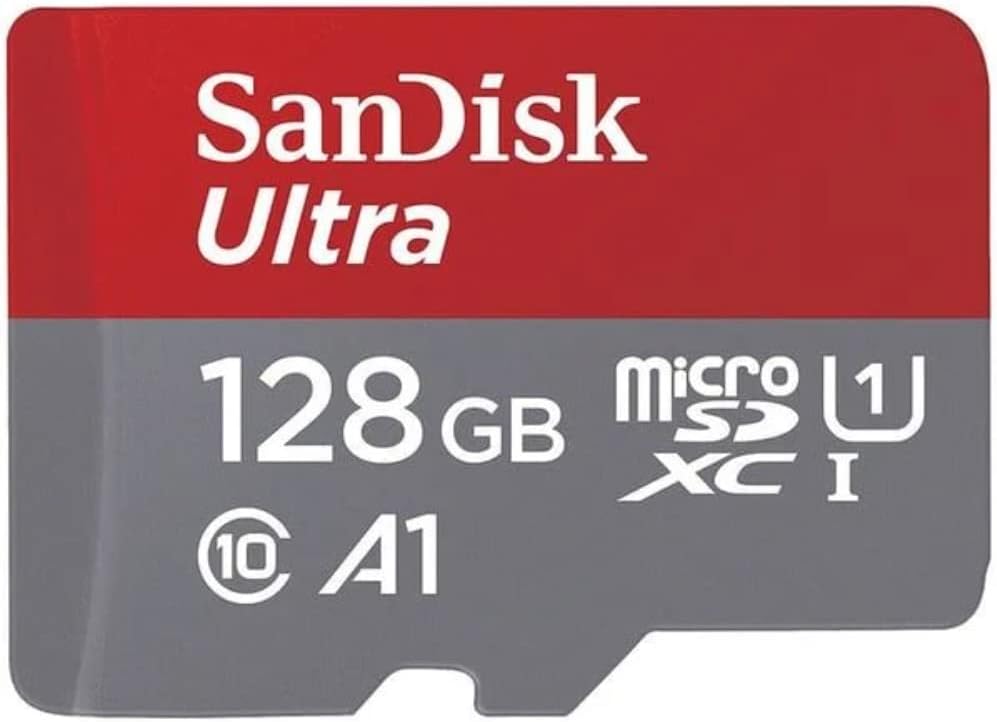
The SanDisk 128GB Ultra microSDXC stands out as a top choice for tablet storage expansion. With a high rating from users, it delivers reliable performance for media and applications.
We may earn a commission when you buy through this link, at no additional cost to you.
Its A1 rating ensures apps load faster compared to standard cards, while the 140MB/s transfer speed allows quick photo and video backups. The card is designed to handle daily usage without degradation.
While the price is slightly higher than basic options, the performance benefits justify the cost for power users. The 10-year warranty provides peace of mind regarding longevity and data safety.
This card is ideal for Android tablets and Chromebooks needing robust storage. It balances speed and capacity effectively, making it a highly recommended pick for most users.
The A1 rating means the card is tested to handle random read/write operations required by mobile apps, ensuring smoother navigation and faster launch times.
Moving large video files is streamlined with the high transfer speeds, reducing wait times significantly compared to older or slower memory card standards.
We may earn a commission when you buy through this link, at no additional cost to you.
This 256GB drive offers substantial storage for tablets and is compatible with both USB-C and USB-A ports. Its dual connector design simplifies moving files between tablets and computers.
We may earn a commission when you buy through this link, at no additional cost to you.
The retractable mechanism protects the connectors and keeps the drive compact for portability. It handles large files well, making it suitable for media archives and document backups.
Users should note that performance depends on the host device support, particularly for write speeds. However, the flexibility of connecting to various systems remains a strong selling point.
Best for users needing high capacity without sacrificing portability. It bridges the gap between mobile and desktop storage seamlessly.
Having both USB-C and USB-A connectors means you do not need separate adapters to switch between modern tablets and older laptops or PCs.
The retractable casing ensures the connectors are safe from physical damage, which is crucial for a device frequently carried in bags or pockets.
We may earn a commission when you buy through this link, at no additional cost to you.
The SSK Portable SSD delivers premium performance with a massive 1TB capacity and speeds up to 1050MB/s. It is built for professionals needing reliable and fast access to large datasets.
We may earn a commission when you buy through this link, at no additional cost to you.
Its aluminum alloy case aids in heat dissipation, ensuring consistent performance during long transfers. The included USB-C and USB-A cables make it versatile across different tablet models.
While the cost is higher than flash drives, the speed and capacity justify it for heavy media work. The solid state nature means no moving parts, reducing failure risks.
This is the top recommendation for power users and creatives. It transforms a tablet into a robust workstation capable of handling complex projects.
With read speeds reaching 1050MB/s, transferring 4K video or large datasets happens in seconds rather than minutes, boosting overall workflow productivity.
The aluminum casing not only looks premium but also protects internal components from physical shocks and heat, ensuring long-term reliability.
We may earn a commission when you buy through this link, at no additional cost to you.
This SanDisk card is a staple for tablet storage upgrades. It offers a balance of speed and capacity that suits everyday users looking to expand their digital library.
We may earn a commission when you buy through this link, at no additional cost to you.
The card is plug-and-play for most devices, allowing immediate access to extra space. Its A1 rating ensures that applications run smoothly, enhancing the overall user experience.
Users appreciate the brand's reputation for reliability. While it lacks advanced features of high-end drives, it provides consistent performance at a competitive price point.
Ideal for casual users who need more space for photos and apps. It is a safe and effective choice for general tablet expansion.
Designed for daily tasks, this card handles common workloads like music storage and photo backups without issues, making it a practical upgrade.
SanDisk has a long history of quality memory products, giving users confidence in the durability and data safety of the card.
We may earn a commission when you buy through this link, at no additional cost to you.
The JOIOT drive is designed for simplicity and portability. It connects directly to USB-C tablets and USB-A computers, making it easy to move files without extra cables.
We may earn a commission when you buy through this link, at no additional cost to you.
Its compact size fits easily in pockets, ensuring you have storage available wherever you go. The 130MB/s read speed is sufficient for most document and media transfers.
While the write speed is lower than some competitors, it remains functional for general backups. The plastic casing keeps costs low, though it may be less durable than metal.
Great for students and casual users needing quick file access. It is a cost-effective solution for expanding tablet storage temporarily.
No drivers or software installations are required, allowing users to start transferring files immediately upon connecting the drive to their device.
The slim form factor ensures the drive does not add bulk to your bag, making it an ideal companion for mobile professionals and travelers.
We may earn a commission when you buy through this link, at no additional cost to you.
This SanDisk model stands out for its impressive read speeds of up to 400MB/s. It bridges the gap between mobile tablets and desktop computers with ease.
We may earn a commission when you buy through this link, at no additional cost to you.
The included Memory Zone app helps automate backups, reducing the need for manual file management. Users can reclaim space on their tablets after backing up photos and media.
While write speeds depend on the host device, the read performance is excellent for quick data retrieval. The design is sleek and easy to handle.
Recommended for users who value speed and app integration. It offers a premium experience at a mid-range price point.
The Memory Zone app provides a convenient way to automate photo backups, ensuring your device stays organized and storage is managed efficiently.
With read speeds reaching 400MB/s, accessing large files like videos or presentations is almost instantaneous compared to standard drives.
We may earn a commission when you buy through this link, at no additional cost to you.
Samsung brings its reliability to this 256GB USB-C drive. It is built to withstand harsh conditions, making it suitable for rugged environments.
We may earn a commission when you buy through this link, at no additional cost to you.
The drive handles high-capacity needs well, storing thousands of photos or hours of video. Its 400MB/s read speed ensures quick access to data on the go.
Users should note the exclusive USB-C connector, which limits use to modern devices without adapters. However, the build quality compensates with long-term durability.
Ideal for users needing a tough and high-capacity drive. It is a premium choice for those who prioritize data security and brand trust.
The drive is waterproof, shock-proof, and temperature-proof, ensuring that data remains safe even if the drive is exposed to difficult conditions.
With 256GB, you can store a vast library of entertainment and documents, reducing the need for constant file management on your tablet.
We may earn a commission when you buy through this link, at no additional cost to you.
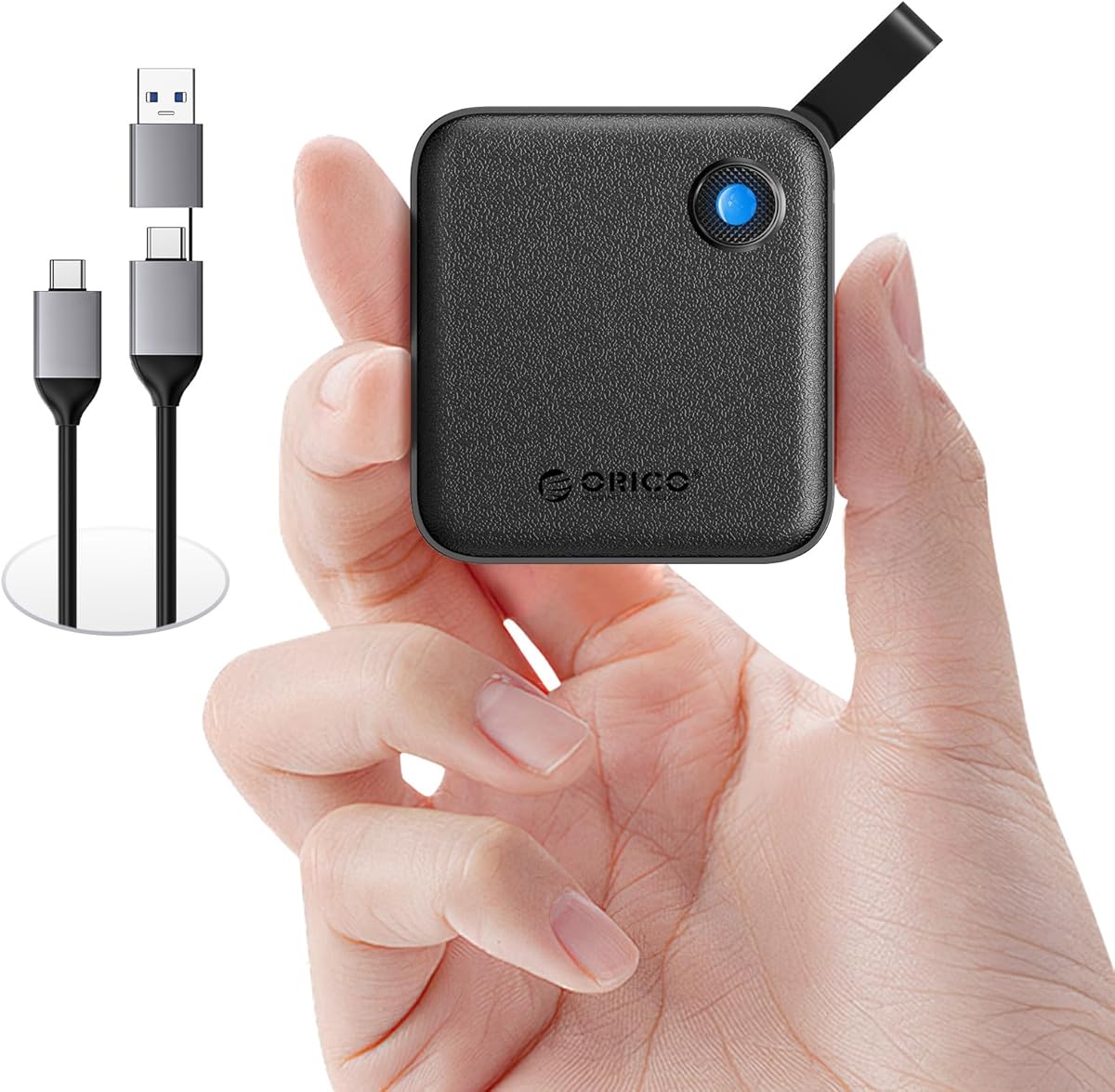
This ORICO SSD combines the speed of solid state storage with a portable design. It includes both USB-C and USB-A cables for flexibility across devices.
We may earn a commission when you buy through this link, at no additional cost to you.
Weighing only 0.9 lb, it is easy to carry without adding bulk. The 460MB/s speed is adequate for daily tasks and media management.
It offers a good balance of performance and price for users wanting SSD benefits without the high cost of premium models.
Best for general users needing reliable portable storage. It is a practical upgrade over standard flash drives.
Having both types of cables included means you are prepared to connect to any device without searching for additional adapters.
The lightweight and small footprint make it an ideal tool for mobile work, ensuring you can carry your data easily.
We may earn a commission when you buy through this link, at no additional cost to you.
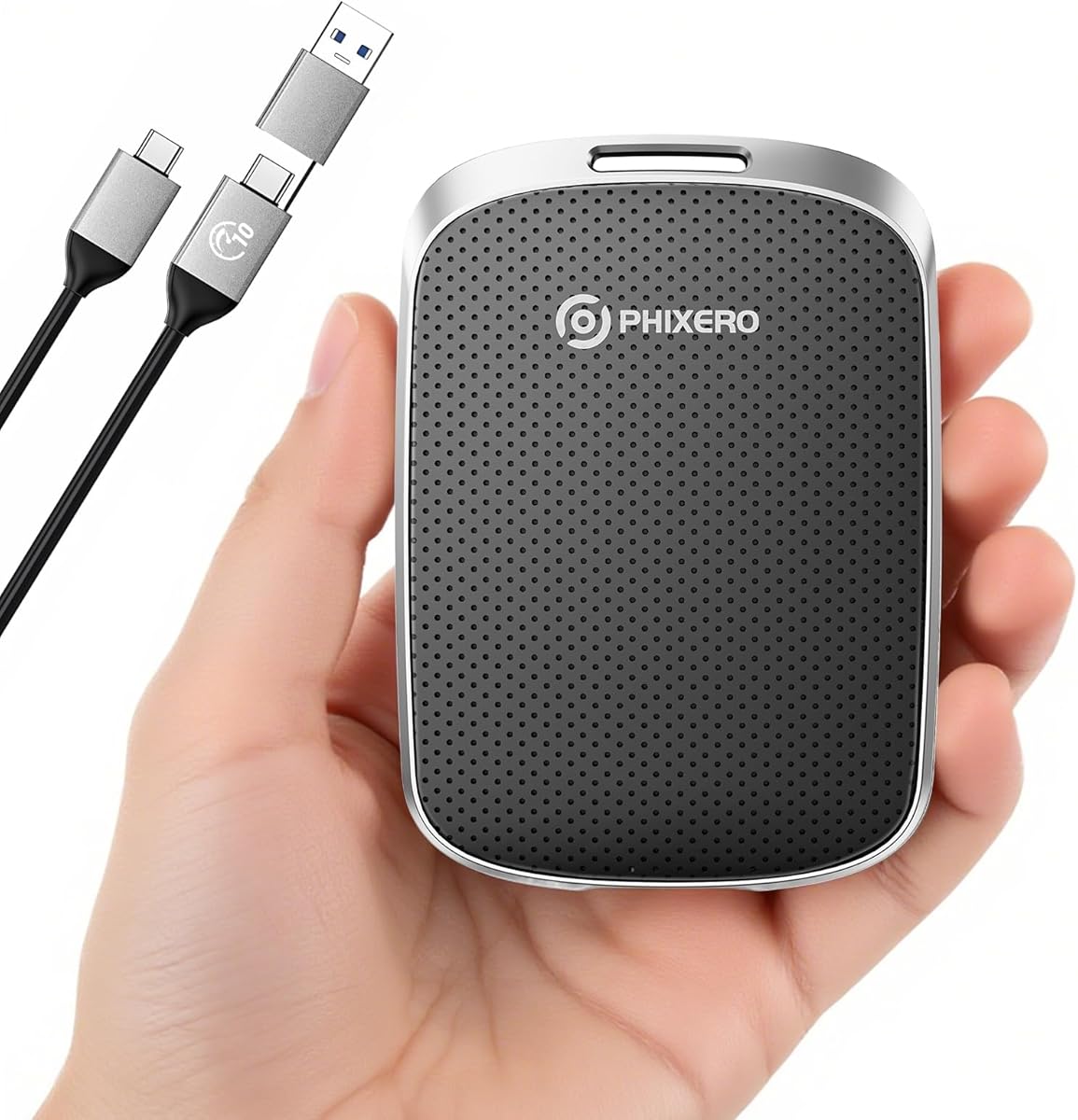
The PHIXERO SSD features a sturdy aluminum frame and fast transfer speeds of 550MB/s. It is built for reliable performance across a range of devices including tablets.
We may earn a commission when you buy through this link, at no additional cost to you.
The aluminum frame helps dissipate heat and protects internal components. Its compact design includes a hanging loop for added convenience and portability.
Users should expect good speed for file transfers, though it may generate heat under heavy use. The robust build ensures it can withstand travel wear and tear.
Ideal for users needing durable and fast storage. It is a solid choice for professionals and enthusiasts alike.
The aluminum alloy frame effectively manages heat, ensuring consistent performance during longer data transfers or heavy usage sessions.
The included hanging loop design allows you to attach the drive to a backpack or belt, keeping it secure and accessible at all times.
We may earn a commission when you buy through this link, at no additional cost to you.
The Vansuny drive offers the lowest entry price for extra storage. It supports OTG functionality and connects to both USB-C and USB-A devices easily.
We may earn a commission when you buy through this link, at no additional cost to you.
Its default exFAT format ensures compatibility with most tablets and smartphones. Users can transfer a 4GB movie in under a minute, which is sufficient for basic needs.
While the build is basic and speeds are not top-tier, it serves well for occasional backups and document storage. It is a practical solution for budget-conscious buyers.
Perfect for casual users who need affordable expansion. It provides essential functionality without unnecessary features.
With a low price point, this drive offers an easy way to add storage without a significant financial investment.
Supporting a wide range of file formats and systems makes it a versatile tool for different users and devices.
We may earn a commission when you buy through this link, at no additional cost to you.
Selecting the right storage option involves considering your tablet's ports, file types, and usage habits. Below are key factors to help you make an informed decision.
Check your tablet's ports to determine if you need a microSD card or a USB drive. Many modern tablets use USB-C, while older models may still have microSD slots.
Ensure compatibility by verifying the connector type matches your device to avoid needing additional adapters.
Estimate how much extra space you require based on your media library and apps. Options range from 128GB to 1TB or more for professional use.
Choose a capacity that allows room for future growth to avoid upgrading sooner than expected.
Look for higher transfer speeds if you frequently move large video files or run apps from the drive. USB 3.0 or SSDs offer significantly faster performance.
For basic document storage, standard speeds are often sufficient and can help keep costs down.
If you travel often, consider drives with rugged designs, shock resistance, or waterproof ratings. Metal casings also help with heat dissipation.
Select a build quality that matches your environment to ensure the longevity of your hardware.
Some drives come with backup apps or software tools that simplify file management and automatic syncing.
Check if any required software is compatible with your tablet's operating system before purchasing.
Compare the cost relative to capacity and speed. SSDs are more expensive but faster, while flash drives offer lower prices for basic needs.
Prioritize features that matter most to your workflow to get the best value.
Brands like SanDisk and Samsung often provide longer warranties, which can be crucial for data safety.
Check the warranty terms to ensure you are protected against hardware defects.
Ensure the drive format is compatible with your tablet's operating system such as Android or iPadOS.
Most modern drives use exFAT or NTFS which are widely supported, but verify specifics to avoid format errors.
To use a microSD card, turn off your tablet and insert the card into the designated slot until it clicks. Once powered on, check the settings to confirm it is recognized.
For USB drives, connect them directly to the USB-C or USB-A port on your device. Use the provided file manager app to access or move files to the new drive.
Store your devices in a cool, dry place to prevent heat damage. Always eject external drives safely before unplugging to avoid data corruption.
Yes, if you store many apps or videos, 64GB fills up quickly. A microSD card expands storage without needing a new device.
Most modern Android tablets support USB-C drives. Check your device specs for USB OTG support before purchasing.
SSDs are faster and more durable but cost more. Flash drives are slower and cheaper, suitable for basic backups.
Many include both USB-C and USB-A cables. Check product details to ensure compatibility with your tablet.
Some microSD cards with A1 ratings support this. Check your tablet's settings to enable app installation to external storage.
Go to settings and look for storage or memory options. It should list the drive if connected correctly.
Yes, reputable brands are safe. Ensure they are certified for your device to avoid performance issues.
Factors include device support, file type, and connection quality. Ensure your tablet supports high-speed USB standards.
Our top picks include the SanDisk 128GB Ultra microSDXC for overall value and the SSK Portable SSD for premium performance.
Prioritize speed and durability if you handle large media files, or choose budget flash drives for simple document storage needs.
Always check current availability and device compatibility before finalizing your purchase to ensure a smooth upgrade.