
Lenovo Legion 5a
4.8Editor score
AMD Ryzen 7 250 Processor
RTX 5060 8GB Graphics
165Hz WQXGA OLED Display
Compare the best gaming laptops with OLED displays for 2026. We review top models from Lenovo, MSI, and HP based on performance, screen quality, and value.
OLED technology has transformed gaming laptops with deep blacks and vibrant colors. These displays offer faster response times and wider viewing angles for immersive gameplay.
We evaluated ten top gaming laptops with OLED panels based on performance, build quality, and display specifications. Our analysis covers processors, graphics, and overall user experience.
Each pick highlights key strengths and ideal use cases for gamers and creators. Prices change frequently, so check current listings before making your final purchasing decision today.
4.8Editor score
5.0Editor score

4.1Editor score
This side-by-side comparison highlights the core specifications and features of the top ten gaming laptops with OLED screens available in November 2026.




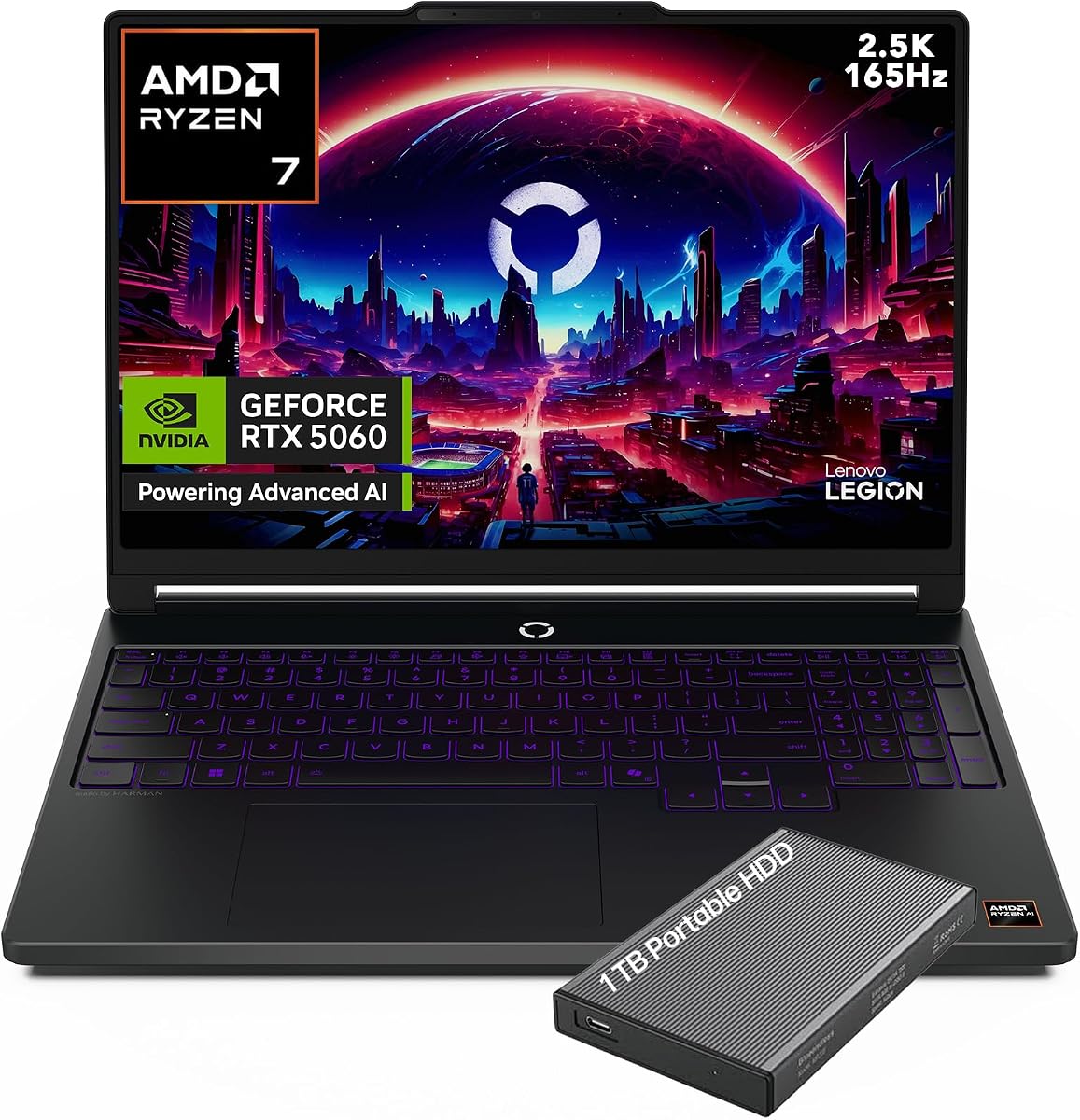
This Lenovo Legion 5a stands out with its impressive 15.3 inch OLED screen. It achieves a perfect user rating due to its balance of performance and visual fidelity.
We may earn a commission when you buy through this link, at no additional cost to you.
Powered by the Ryzen 7 250 and RTX 5060, it handles modern AAA titles smoothly. The 165Hz refresh rate ensures fluid motion during competitive gameplay sessions.
While the battery life is decent, the system can get warm under heavy loads. The weight might be a consideration for frequent travelers needing a ultra-light device.
Gamers seeking deep blacks and vibrant colors will love this display. It is an excellent choice for anyone wanting top tier visual performance in a powerful laptop.
The OLED panel offers true blacks and rich colors that enhance game worlds.
With 32GB RAM and a fast SSD, multitasking and loading times are incredibly quick.
We may earn a commission when you buy through this link, at no additional cost to you.
This model brings serious power with the Intel Core i9 14900HX processor. It is ideal for demanding creative work alongside high performance gaming needs.
We may earn a commission when you buy through this link, at no additional cost to you.
The RTX 5070 provides ample horsepower for ray tracing and high frame rates. Combined with 32GB of RAM, it handles intensive multitasking with ease.
The glossy OLED display looks stunning but can show fingerprints easily. Users should expect some thermal output during extended gaming sessions despite the cooling.
If you prioritize raw processing power in a thin chassis, this is a strong pick. It serves well for professionals who also enjoy serious gaming on the go.
The 14th Gen Intel architecture delivers exceptional speed for complex workflows.
The WQXGA resolution ensures text and game details remain crisp.
We may earn a commission when you buy through this link, at no additional cost to you.
This version offers the same stunning OLED panel as higher models at a lower cost. It is a fantastic entry point for gamers wanting high contrast visuals.
We may earn a commission when you buy through this link, at no additional cost to you.
The Ryzen 7 250 paired with the RTX 5060 handles most modern games well. 16GB of RAM is sufficient for most standard gaming tasks effectively.
While 16GB RAM might limit heavy multitasking, it fits typical gamer needs. The included external drive adds value without complicating the main laptop choice.
Budget conscious buyers will appreciate the OLED screen at this price point. It delivers a premium visual experience without the premium price tag of top models.
Getting an OLED panel here saves significant money compared to rivals.
The included external drive provides extra storage for your growing library.
We may earn a commission when you buy through this link, at no additional cost to you.
The Legion 5i balances mobility with performance for on the go users. Its OLED display ensures accurate colors for content creation and gaming alike.
We may earn a commission when you buy through this link, at no additional cost to you.
Intel Core i7-14700HX provides reliable performance for daily tasks and gaming. The RTX 5070 ensures you can play demanding titles at high settings.
The 3 month Game Pass trial is nice but will expire eventually. Storage is fixed at 1TB which might fill up with large modern game installs.
Students needing a portable machine will find this a solid fit. It supports work and play effectively while maintaining a professional aesthetic and look.
A lighter chassis makes it easy to carry to class or work.
Efficient hardware helps extend unplugged usage during travel.
We may earn a commission when you buy through this link, at no additional cost to you.
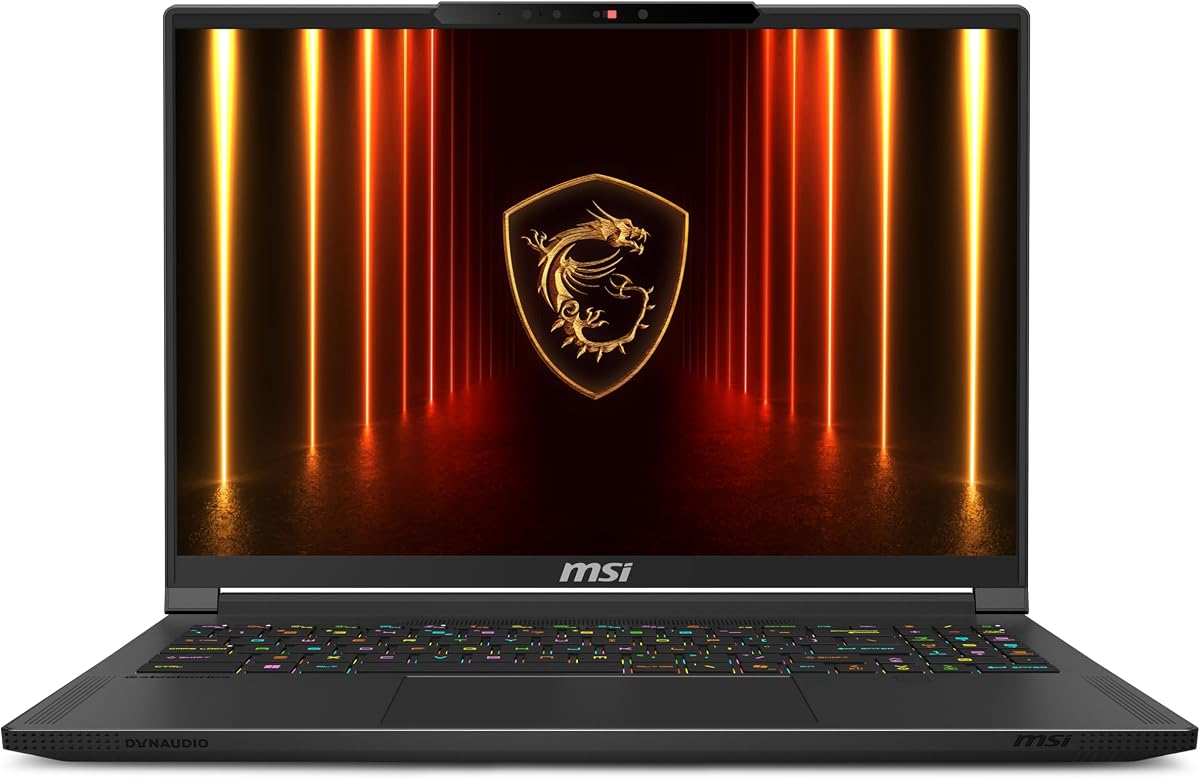
This MSI laptop features a 240Hz QHD+ OLED display for ultra smooth visuals. It is designed for competitive gamers who need every advantage in frame rates.
We may earn a commission when you buy through this link, at no additional cost to you.
The Ryzen 9 HX 370 brings significant AI capabilities and raw compute power. Paired with the RTX 5070Ti, it delivers exceptional throughput for rendering and gaming.
Thermal management might struggle under sustained extreme loads due to the thin design. However, for most bursts of gaming, it maintains stability well enough.
Enthusiasts seeking high refresh rates on OLED will appreciate this option. It offers a rare combination of speed and color accuracy for serious competitive gaming.
The 240Hz rate reduces motion blur significantly in fast shooters.
Built in AI accelerators support next gen software features.
We may earn a commission when you buy through this link, at no additional cost to you.
This model swaps AMD for the latest Intel Core Ultra 9 processor. It retains the stunning 240Hz OLED panel for high fidelity gaming experiences.
We may earn a commission when you buy through this link, at no additional cost to you.
The RTX 5070Ti graphics ensure 4K readiness and excellent VR support. It is a robust machine for those preferring Intel architecture over AMD options.
Users might notice some fan noise during intensive tasks. Battery life is typical for this class but expect shorter unplugged sessions than light devices.
Those who favor Intel performance should consider this laptop seriously. It delivers a premium screen and powerful internals in a thin professional chassis.
The Core Ultra series improves efficiency and AI processing.
High refresh OLED ensures smooth motion in any game.
We may earn a commission when you buy through this link, at no additional cost to you.
This 2026 iteration offers a clean configuration with 32GB memory standard. It maintains the popular 15.3 inch OLED display for vivid game worlds.
We may earn a commission when you buy through this link, at no additional cost to you.
With 32GB memory, multitasking is smooth without slowdowns during gaming. The RTX 5060 handles ray tracing well at the native resolution.
The design is understated and durable but lacks extra accessories. It is a straightforward choice for buyers who prioritize hardware over packaging extras.
Gamers who want a reliable machine with ample memory will like this. It is a safe bet for consistent performance and solid build quality.
32GB memory ensures seamless operation for heavy applications.
The OLED screen delivers deep blacks and sharp contrast.
We may earn a commission when you buy through this link, at no additional cost to you.
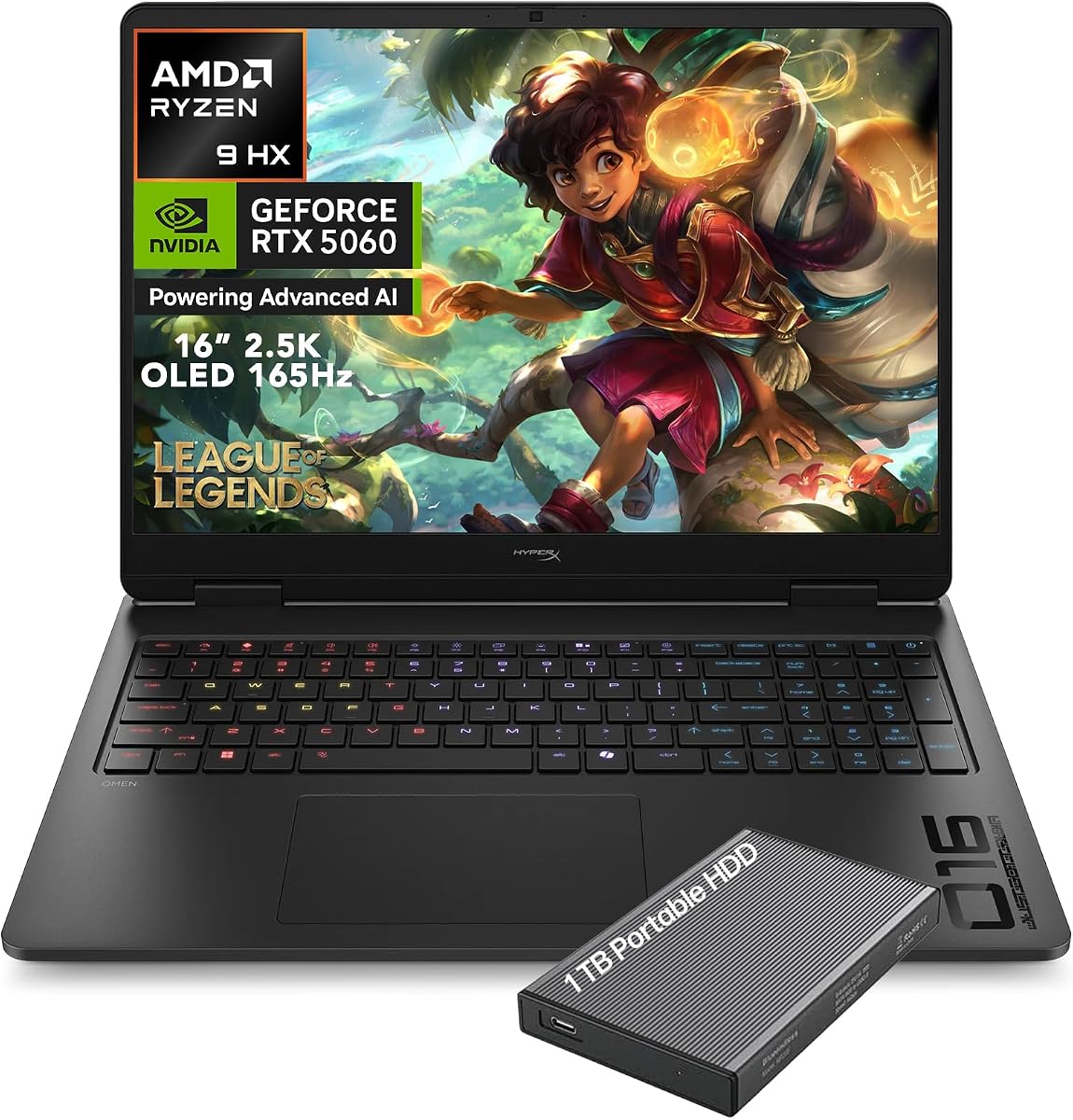
This laptop excels with OMEN Tempest cooling to reduce dust buildup. It features a stunning 16 inch 2.5K OLED panel for stunning visuals.
We may earn a commission when you buy through this link, at no additional cost to you.
Ryzen 9 8940HX provides strong CPU performance for streaming and gaming. The HyperX audio system enhances sound quality for immersive gameplay without headphones.
The keyboard supports an 8000Hz polling rate for ultra responsive input. However, the system is heavier than ultra portable models for carrying around.
Gamers prioritizing cooling and audio will love this system. It offers excellent build quality and a premium experience for desktop replacement setups.
Self cleaning fans keep thermals optimal over time.
Spatial audio supports surround sound experiences.
We may earn a commission when you buy through this link, at no additional cost to you.
This bundle stands out with a 1000 nits OLED panel for brightness. It includes ample storage and memory for a complete gaming setup immediately.
We may earn a commission when you buy through this link, at no additional cost to you.
The RTX 5070 offers strong frame rates and ray tracing capabilities. The 24 zone RGB keyboard adds a customizable look for your gaming environment.
The high price is justified by the superior brightness and storage bundle. Users seeking top specs without needing upgrades will value this ready to use option.
Gamers wanting a bright screen and large storage will find this ideal. It delivers premium features in a polished package with minimal additional costs.
High brightness ensures visibility even in well lit rooms.
Included SSD means you start with room for many games.
We may earn a commission when you buy through this link, at no additional cost to you.
This 2026 model offers a budget friendly entry into OLED gaming laptops. It includes 16GB memory and sufficient SSD space for standard use.
We may earn a commission when you buy through this link, at no additional cost to you.
The 15.3 inch display delivers 165Hz smoothness and rich color coverage. Weighing just over four pounds, it is easy to carry anywhere you go.
The keyboard offers good travel and anti ghosting for competitive games. Lighting is single zone which is simple but sufficient for most users.
First time OLED buyers will find this a great starting point. It balances cost and performance effectively for casual to mid range gamers.
This is one of the most affordable OLED options available.
Light weight chassis supports travel between locations easily.
We may earn a commission when you buy through this link, at no additional cost to you.
Choosing a gaming laptop with an OLED screen requires balancing display quality with performance and budget.
Look for high refresh rates like 165Hz or 240Hz and 100% DCI-P3 color coverage. A higher nits rating helps in bright environments.
Prioritize screens with fast response times to avoid ghosting during intense scenes.
Modern games require strong multi core performance. Consider Ryzen 7 or Intel Core i7 processors as minimums.
Top tier gaming often benefits from Ryzen 9 or Core i9 chips.
RTX 5060 is a solid entry point. RTX 5070 or higher supports ray tracing better.
Ensure VRAM is at least 8GB for future proofing games.
16GB RAM is the standard baseline. 32GB helps for multitasking with streaming apps.
1TB SSD is common but 2TB is preferred for large libraries.
Wi-Fi 7 is the latest standard for low latency gaming. USB4 ports allow fast external drive connections.
Check HDMI version to support external 4K monitors.
OLED screens consume more power. Expect 5 to 8 hours for light tasks.
Check for fast charging support to minimize downtime.
High performance parts generate heat. Look for fans and copper pipes.
Good cooling prevents thermal throttling during long gaming sessions.
Lighter laptops are better for travel. Weight below 5 lbs is ideal.
Thickness matters for packing in bags or backpacks easily.
Always enable dark mode or OLED saver features when not gaming to reduce burn in risk. Avoid static images like taskbars for long periods.
Use a cooling pad during extended sessions to maintain performance and prevent overheating. Keep the laptop on hard flat surfaces for airflow.
Clean the screen with a microfiber cloth and avoid harsh chemicals. Store the device in a cool dry place away from direct sunlight.
Modern OLED panels include mitigation features like pixel shifting. Burn in is rare if you avoid static images for long periods. Vary your content frequently.
Yes OLED pixels switch almost instantly often under 1ms. This eliminates ghosting and motion blur common in LCD panels.
It provides better latency and stability. While not strictly necessary it helps with online performance in crowded networks.
The high color accuracy and brightness make them great for design. They support Adobe apps well with fast rendering speeds.
16GB is sufficient for most games. 32GB helps if you stream or run many apps simultaneously.
Expect around 6 hours for general use. Gaming unplugged drains the battery quickly due to high power consumption.
We found the Lenovo Legion 5a and HP HyperX OMEN to be top choices for value. The MSI Stealth options lead for premium features.
Prioritize screen brightness and processor power when shopping for these laptops. The visual quality makes these machines special.
Check current prices before buying as models change frequently. Ensure the specs match your specific gaming needs.