
ASUS ProArt PA32QCV
3.9Editor score
Factory calibrated color
Dual Thunderbolt 4 ports
5-year warranty included
Finding the right display for high-resolution work requires careful consideration of panel technology and connectivity options. A 32 inch 6K monitor offers incredible pixel density for detailed creative tasks and productivity workflows.
We evaluated ten leading models based on color accuracy, refresh rates, and professional connectivity standards like Thunderbolt. Our analysis highlights the strengths and weaknesses of each display to help you choose wisely.
Each pick below showcases unique features tailored to specific needs from gaming to graphic design. Keep in mind that availability and pricing can fluctuate frequently across different online retailers.
3.9Editor score

3.8Editor score

5.0Editor score
As an Amazon Associate we earn from qualifying purchases.
This side-by-side comparison breaks down the critical specifications of every model on our list. Reviewing these details helps you understand how each screen performs under different professional and personal use cases.


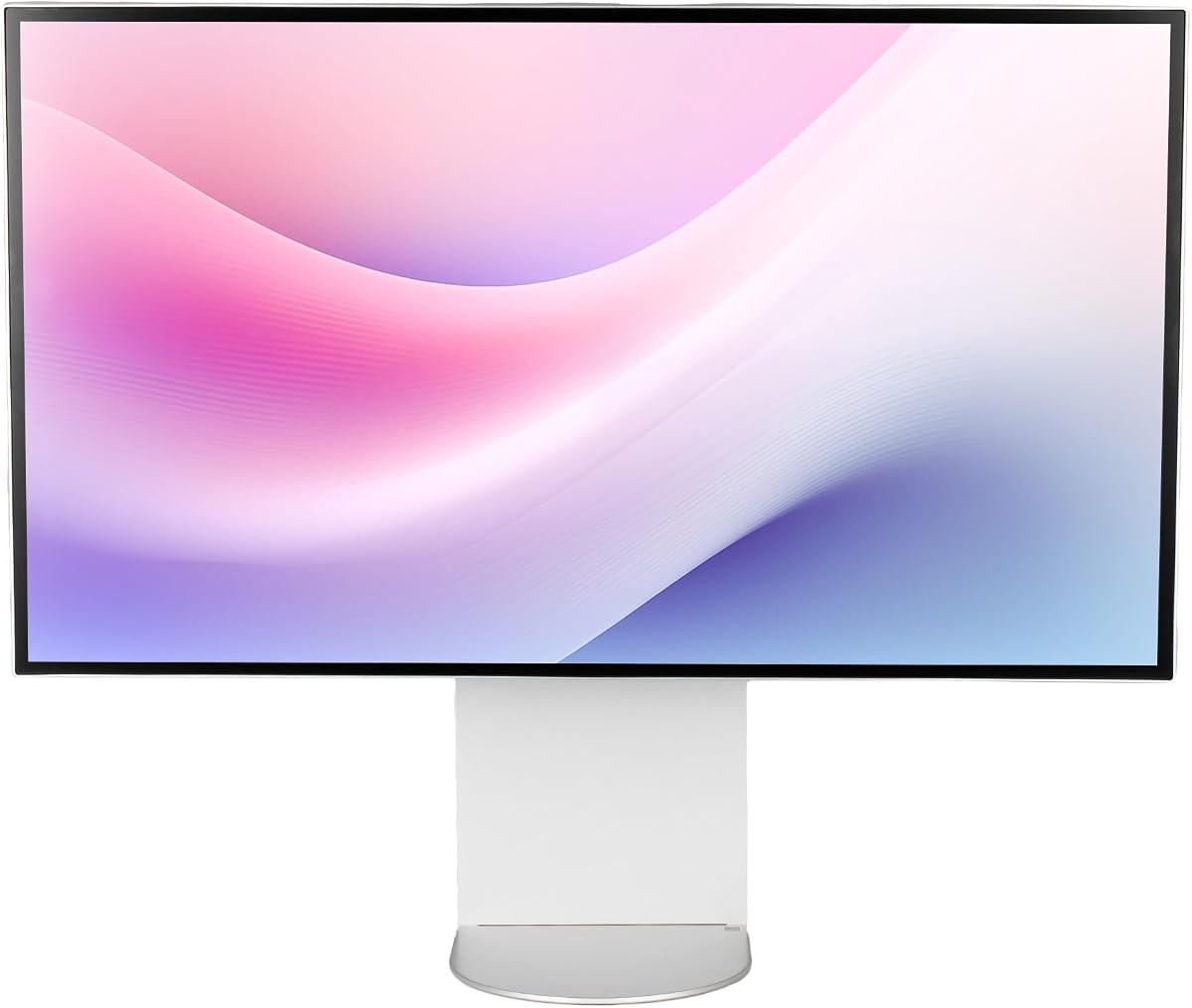
This monitor stands out as the world's first 6K display featuring Thunderbolt 5 technology. With over 21 million pixels packed into a 32-inch panel it delivers unmatched clarity for video editing and design work.
We may earn a commission when you buy through this link, at no additional cost to you.
Color fidelity is a major strength here. It covers 99.5% of the Adobe RGB space and features real 10-bit depth ensuring smooth transitions and precise hues. The Nano IPS Black technology significantly improves contrast compared to standard IPS panels.
While the performance is stellar the high resolution demands a capable graphics card to drive it effectively. Additionally the price point places it firmly in the professional tier which may be steep for casual users.
If you need a future-ready display for professional workflows this model is an excellent investment. It bridges the gap between high-resolution visuals and advanced connectivity seamlessly.
Factory calibration ensures Delta E values remain low for reliable color reproduction straight out of the box.
Thunderbolt 5 allows for ultra-fast data transfers and daisy chaining multiple monitors with a single cable.
We may earn a commission when you buy through this link, at no additional cost to you.
The ASUS ProArt series is renowned for offering professional features at competitive prices. This 6K model continues that tradition with impressive color metrics and robust connectivity for both Mac and PC users.
We may earn a commission when you buy through this link, at no additional cost to you.
Its standout feature is the factory calibration which guarantees excellent color accuracy without needing external tools. The specific MacBook color preset mode ensures seamless matching between your laptop screen and the external display.
Some users might find the physical stand adjustments somewhat restricted compared to more expensive alternatives. Also while brightness is good it lacks advanced local dimming zones for deeper blacks in dark scenes.
This monitor is ideal for creatives seeking reliable performance without breaking the bank. The inclusion of a five-year warranty adds significant peace of mind for long-term professional use.
Dual Thunderbolt 4 ports allow you to power your laptop and connect peripherals simultaneously.
The built-in KVM switch lets you control two computers with one keyboard and mouse effortlessly.
We may earn a commission when you buy through this link, at no additional cost to you.
This display breaks new ground as the world's first touchscreen 6K monitor. It transforms your desktop into a massive digital canvas ideal for artists architects and designers who want intuitive interaction.
We may earn a commission when you buy through this link, at no additional cost to you.
The inclusion of a pressure-sensitive active stylus allows for detailed digital painting and sketching directly on the screen. The 360-degree rotating base and fold stand make it easy to switch from viewing mode to drawing tablet mode.
Glossy finishes often introduce glare issues in bright environments which might be problematic for some users. The premium price tag also restricts this device to high-end professional workflows rather than general consumers.
If you need an interactive surface for high-resolution work this monitor offers a unique solution. It combines massive pixel density with responsive touch for an unmatched creative experience.
Multitouch gestures like pinch to zoom work natively on both macOS and Windows systems.
The folding stand allows the screen to rest flat on your desk for comfortable drawing sessions.
We may earn a commission when you buy through this link, at no additional cost to you.
Samsung enters the 6K market with a focus on gaming performance. This monitor offers a unique dual mode that lets you switch between high-resolution visuals and incredibly high refresh rates for competitive play.
We may earn a commission when you buy through this link, at no additional cost to you.
The Fast IPS panel ensures vivid colors and quick response times reducing motion blur during fast-paced action. Support for NVIDIA G-SYNC and AMD FreeSync Premium guarantees smooth frame rates without screen tearing.
Navigating the OSD menu can be confusing for new users due to the sheer number of gaming options available. Also while color is vibrant it does not match the professional standards of dedicated creative monitors.
Gamers with powerful GPUs looking for both detail and speed will appreciate this hybrid approach. It provides a compelling alternative to traditional high refresh rate screens with better pixel density.
Switch to 3K resolution to boost frame rates up to 330Hz when reaction time is critical.
At 6K resolution the screen shows incredibly detailed environments in modern AAA titles.
We may earn a commission when you buy through this link, at no additional cost to you.
Dell focuses on productivity with this 6K monitor. It simplifies remote work setups by integrating a high-quality webcam and powerful docking features directly into the display chassis.
We may earn a commission when you buy through this link, at no additional cost to you.
The built-in camera includes a physical privacy shutter for security when not in use. Connectivity is robust with USB-C allowing you to charge laptops and transfer data through a single cable connection.
The webcam lens position can sometimes be awkward depending on your monitor height and camera angle. For gaming the standard response time is slower than dedicated gaming panels.
This is an excellent choice for office environments and remote teams. It centralizes your peripherals and display into a clean efficient workstation solution.
High-resolution video capture ensures professional looking meetings without extra hardware.
USB ports on the monitor allow you to connect drives and peripherals directly.
We may earn a commission when you buy through this link, at no additional cost to you.
This bundle version of the LG UltraFine includes essential accessories to streamline your setup. You get cable management tools and a cleaning kit alongside the main display unit.
We may earn a commission when you buy through this link, at no additional cost to you.
The display itself offers high contrast and rich colors suitable for professional editing. Integrated speakers reduce cable clutter although they are not meant to replace high-fidelity audio systems.
Adding accessories increases the overall cost which might be better spent on a better monitor arm. The speakers while convenient can be quite loud with lower audio quality.
For those wanting a hassle-free unboxing experience this bundle is useful. It ensures you have everything needed to start working immediately after arrival.
Accessories included help maintain your screen and organize cables efficiently from day one.
Built-in speakers allow for basic audio monitoring without external peripherals.
We may earn a commission when you buy through this link, at no additional cost to you.
This monitor prioritizes form and function with a sleek minimalist design. The CNC-machined aluminum body gives it a premium feel that matches high-end desk setups perfectly.
We may earn a commission when you buy through this link, at no additional cost to you.
It delivers solid brightness and eye care features like anti-glare and flicker-free technology. This makes it comfortable for long hours of work without causing excessive eye strain.
Without specific color calibration certifications it might not suit professional grading work compared to branded alternatives. The branding is also quite generic compared to major manufacturers.
If you value a clean look and solid hardware for general productivity this is a strong contender. It offers great value for the build quality provided.
Aluminum construction provides durability and a stylish look for any workspace.
Low blue light modes help reduce fatigue during extended viewing sessions.
We may earn a commission when you buy through this link, at no additional cost to you.
This model targets users who prefer custom mounting solutions. Selling the monitor without a stand allows you to use professional arms that fit your desk space better.
We may earn a commission when you buy through this link, at no additional cost to you.
The honeycomb back design helps dissipate heat effectively which is important for high-performance displays. The glossy screen provides deep blacks and high contrast similar to OLED technology.
Without a stand included you must purchase a compatible arm separately which adds to the cost. The glossy surface is also prone to reflections if you have bright lights near your desk.
For enthusiasts with existing ergonomic setups this option provides great flexibility. It allows you to integrate a high-res panel into a customized workspace seamlessly.
Advanced cooling design ensures stable performance during prolonged usage periods.
Glossy finish enhances contrast making content pop more than matte screens.
We may earn a commission when you buy through this link, at no additional cost to you.
This bundle focuses on long-term reliability for business environments. Including an extended protection plan gives you coverage for potential hardware issues beyond the standard warranty.
We may earn a commission when you buy through this link, at no additional cost to you.
It comes with all necessary cables to get started immediately which saves time setting up your workstation. The display itself offers solid performance for document editing and multitasking.
The added cost of the protection plan might not be necessary for those with existing insurance. For creative pros this model lacks the advanced color features found in higher-end options.
Businesses requiring peace of mind for their assets will find this package attractive. It balances standard performance with strong support coverage.
Enhanced protection covers accidental damage and hardware failures for two years.
All necessary cables are included so you can connect devices right away.
We may earn a commission when you buy through this link, at no additional cost to you.
This model shares the core technology of the Ultrafine series but is often distributed through different channels. It maintains the high-resolution benefits that define the 6K standard effectively.
We may earn a commission when you buy through this link, at no additional cost to you.
Anti-glare coatings ensure that you can work comfortably even in bright rooms. The stand offers basic ergonomic adjustments which are sufficient for most standard desk setups.
Specific feature details like Thunderbolt versions are less emphasized in this regional variant. It serves as a reliable alternative for users who find other versions unavailable in their region.
If you need a standard professional display without extra bundled extras this is a functional choice. It delivers the essential resolution and color performance needed for daily tasks.
Supports major operating systems making it suitable for mixed-device environments.
Consistent panel performance ensures steady output for professional applications.
We may earn a commission when you buy through this link, at no additional cost to you.
Choosing a 6K monitor involves balancing resolution, connectivity, and color fidelity. Use these factors to narrow down the options that fit your workflow.
Resolution determines how much detail you can see on screen. A 6K resolution provides over 21 million pixels which is significantly higher than standard 4K displays. This density allows for crisp text and fine details in images.
Look for a pixel density of over 200 PPI to ensure text remains sharp at normal viewing distances.
IPS panels offer wide viewing angles and consistent colors across the screen. Black versions improve contrast ratios significantly making dark areas look richer.
Choose a panel that supports high contrast for better HDR performance and image depth.
For creative work color accuracy is vital. Look for monitors that cover high percentages of Adobe RGB or DCI-P3 color spaces.
Factory calibrated monitors with low Delta E values save time on color correction tasks.
High resolution signals require high-bandwidth connections. Thunderbolt 4 or 5 ports are essential for single-cable setups with laptops.
Ensure the monitor supports DisplayPort 2.1 or HDMI 2.1 if you need to connect high-end graphics cards.
While many 6K monitors are limited to 60Hz some offer higher refresh rates for smoother motion.
Gamers should look for refresh rates above 120Hz and low response times to reduce blur.
A good stand should allow height, tilt, and pivot adjustments to maintain a healthy posture.
Check for VESA mount compatibility if you plan to use an external monitor arm.
Features like KVM switches or integrated webcams streamline your desk by reducing the number of peripherals needed.
Consider these extras if you want a cleaner and more centralized workstation.
Professional monitors often come with longer warranties due to their intended usage intensity.
Check for policies that include dead pixel replacement or on-site service for faster support.
Always use a high-speed cable to ensure the full resolution is delivered to the display. Standard cables might limit your signal to lower resolutions or refresh rates.
Clean the screen gently with a microfiber cloth and appropriate solution to avoid damaging the coating. Avoid using household cleaners that might strip anti-glare layers.
Adjust your settings based on the lighting in your room. Higher brightness is needed for bright offices but may reduce comfort in dark environments.
To drive a 6K monitor effectively you need a modern graphics card with DisplayPort 2.1 or Thunderbolt 5 support. Most current high-end GPUs can handle 6K output but older cards may struggle.
Yes they offer significantly more screen real estate for multitasking. The extra resolution allows you to view multiple documents side by side without needing multiple screens.
Yes you need DisplayPort 2.1 or Thunderbolt 5 cables to maintain full resolution and refresh rates. Older HDMI or DP cables will not support the bandwidth required for 6K.
6K provides much sharper text and higher pixel density than 4K. On a 32 inch screen 4K can appear slightly soft while 6K offers ultra-sharp clarity.
Yes many models support macOS via Thunderbolt connections. Ensure the monitor supports the specific color profiles your Mac uses for accurate color.
Many professional 6K monitors run at 60Hz due to bandwidth limits. Gaming models often offer dual modes to boost refresh rates by lowering resolution slightly.
We highlighted the LG UltraFine for professionals, ASUS ProArt for value, and ALOGIC for interactive features. Each offers distinct advantages depending on your specific workflow.
Prioritize color accuracy and connectivity if you work in creative fields. Gamers should focus on refresh rate and input lag instead.
Always verify current availability and compatibility with your existing hardware before purchasing to ensure a seamless integration.