
Vilros Raspberry Pi 5 AI Kit
5.0Editor score
Includes AI HAT+
Preloaded OS ready
High-performance CPU
This guide compares the top AI Raspberry Pi Kits for 2026, evaluating hardware performance, sensor variety, AI model support, and learning resources to help
AI Raspberry Pi Kits offer an accessible entry point into artificial intelligence development for hobbyists and students. These comprehensive packages combine powerful single-board computers with sensors and modules to streamline the learning process. Selecting the right kit depends on your specific goals, whether focusing on vision, voice, or general robotics.
We evaluated each kit based on hardware capabilities, software compatibility, and educational support. Our analysis considers processor speed, AI accelerator presence, sensor diversity, and the quality of accompanying tutorials. This ensures we highlight products that deliver genuine value for both beginners and experienced makers.
Each product in this list highlights unique strengths tailored to different project requirements and skill levels. You will find options ranging from budget-friendly sensor arrays to high-performance computing stations. Keep in mind that availability and specific bundle contents may change over time.
5.0Editor score

4.6Editor score

4.5Editor score
This comparison table provides a quick overview of the key specifications and features for each kit. It helps you visualize differences in hardware inclusion, sensor counts, and AI capabilities at a glance.


This kit stands out as a top choice for those wanting to explore AI through multiple modalities. It supports various large language models and includes essential hardware like a Pan-Tilt HAT. The rating reflects high satisfaction among users who appreciate its all-in-one approach.
We may earn a commission when you buy through this link, at no additional cost to you.
The inclusion of guided video lessons by Paul McWhorter makes complex AI concepts approachable for beginners. You can build projects involving voice, vision, and sensors without needing deep prior knowledge. The Fusion HAT+ simplifies control and power management for your projects.
While the Raspberry Pi board is not included, the kit provides a robust foundation for learning. The learning curve for wiring can be steep initially but pays off with versatile project potential. Most users find the documentation clear enough to overcome these hurdles quickly.
If you want a structured path into AI that covers vision and language equally, this is an ideal pick. It bridges the gap between theoretical knowledge and practical application effectively. The community and technical support add significant value for long-term learning.
The kit supports a wide range of LLMs allowing you to experiment with different AI personalities and capabilities.
Using OpenCV and MediaPipe with the Pan-Tilt HAT lets you create robots that actively follow targets or objects.
We may earn a commission when you buy through this link, at no additional cost to you.
This kit offers excellent value by including the Raspberry Pi 5 alongside a dedicated AI accelerator. It achieves perfect user ratings due to its out-of-the-box readiness and performance. The Hailo-8 chip delivers impressive throughput for computer vision tasks.
We may earn a commission when you buy through this link, at no additional cost to you.
You get everything needed to start running AI projects immediately including a case power supply and storage. The active cooler ensures the system stays stable during intensive workloads. This focus on performance makes it suitable for developers who want power without assembly hassle.
The main trade-off is that it lacks the extensive sensor arrays found in educational kits. It is better suited for those who already know which sensors they need or prefer buying them separately. The cost is justified by the high-quality components included in the box.
For buyers prioritizing raw compute power and ease of setup, this kit is hard to beat. It provides a solid foundation for serious AI development on a small form factor. The strong support from Vilros adds confidence to the purchase.
The Hailo-8 accelerator provides up to 26 TOPS enabling complex neural networks to run locally on the Pi.
The preloaded SD card allows you to skip setup steps and start coding your AI applications right away.
We may earn a commission when you buy through this link, at no additional cost to you.
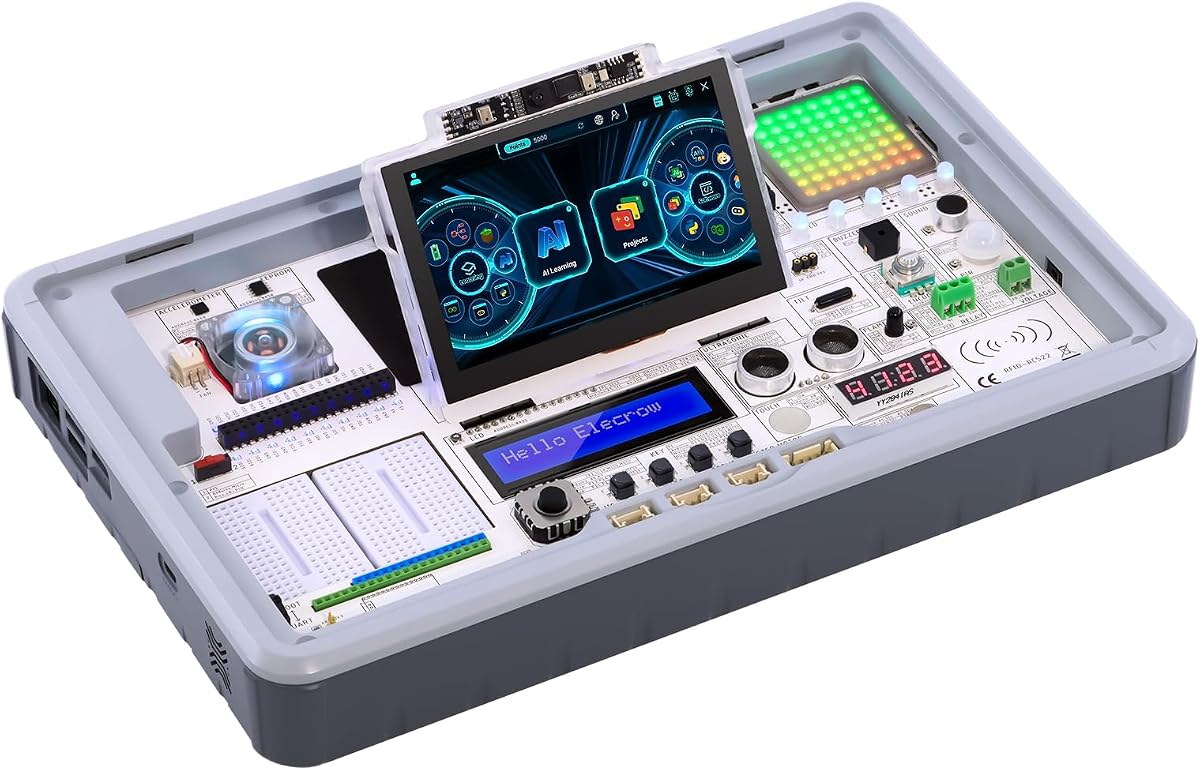
This premium station includes the Raspberry Pi 5 with 16GB RAM making it a powerhouse for AI tasks. The integration of 41 sensors onto the board removes the need for messy wiring. Users appreciate the comprehensive curriculum that guides them from basics to advanced projects.
We may earn a commission when you buy through this link, at no additional cost to you.
The touchscreen and voice interaction capabilities provide a modern user experience for testing AI models. It supports various LLMs and open-source vision tools out of the box. This makes it ideal for educational settings or self-paced professional development.
The price point is high but reflects the included board and extensive hardware features. The size of the device means it takes up more desk space than typical add-ons. However, the convenience of having everything integrated often justifies the extra cost for learners.
If you want a complete workstation that requires minimal setup time, this is the best choice available. It is perfect for educators or serious students who need reliability and rich resources. The build quality ensures it can withstand frequent handling in classroom environments.
With 41 sensors already mounted you can test code for environmental sensing without additional hardware assembly.
The 16GB RAM allows for running larger language models locally without performance bottlenecks.
We may earn a commission when you buy through this link, at no additional cost to you.
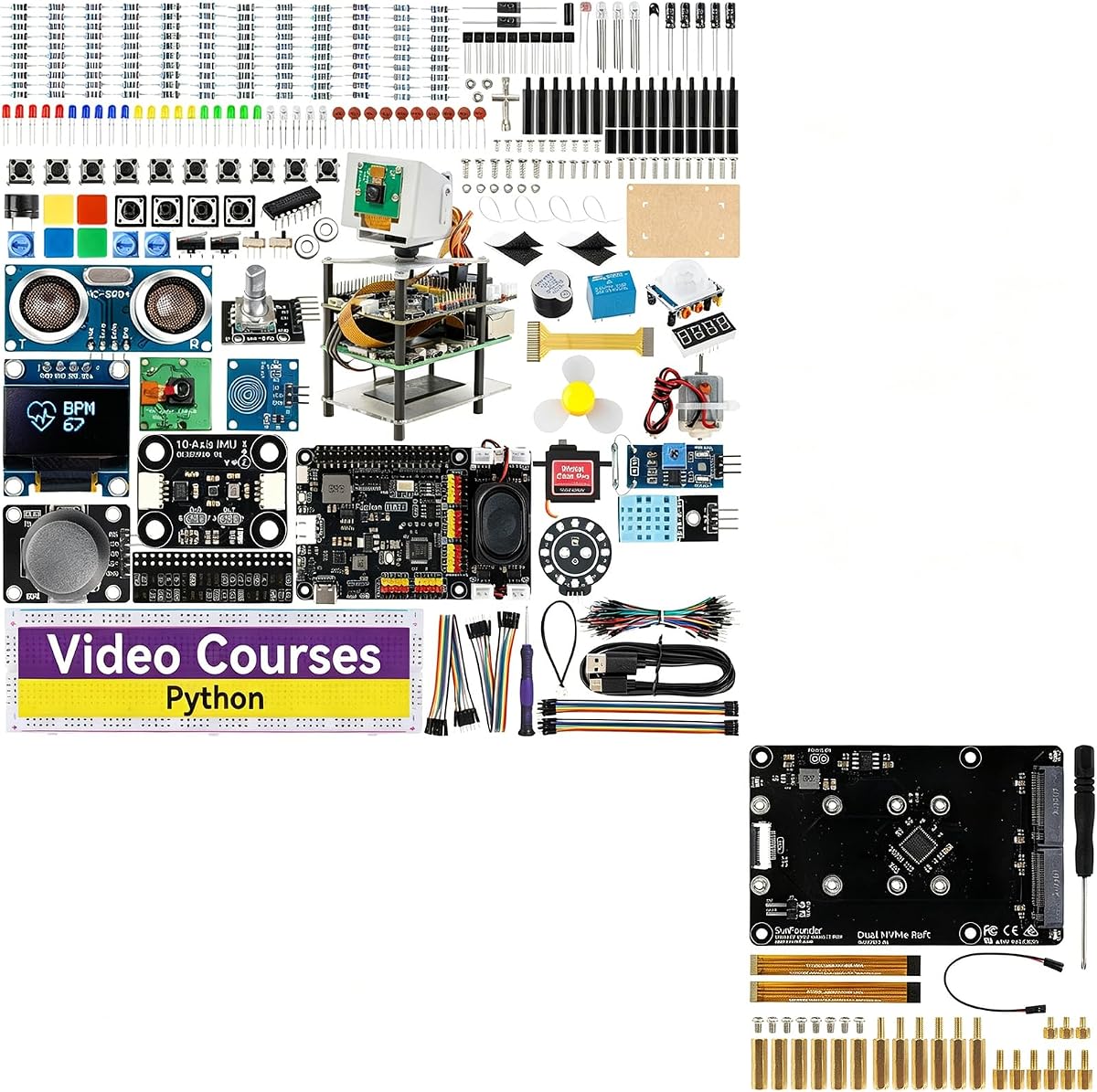
This variant adds significant storage capabilities to the standard Fusion Lab kit. It supports dual NVMe drives allowing for faster data access and RAID configurations. This is particularly useful for users building NAS systems or those needing large model storage.
We may earn a commission when you buy through this link, at no additional cost to you.
The kit maintains the same sensor and AI features as the original fusion lab. You get the same video curriculum and support for multiple AI models. The addition of the raft turns the Pi into a capable mini-server for local AI tasks.
Setup complexity is higher since you manage drive mounting and configuration. Users should be comfortable with basic system administration to make the most of it. The lack of included Pi means extra cost but allows flexibility in board choice.
Choose this if you plan to store large datasets or run persistent services alongside your projects. It expands the utility of the kit beyond simple educational robotics. The performance gains from NVMe storage are noticeable during heavy workloads.
The NVMe raft supports high-speed drives that improve performance for data-intensive AI applications.
Beyond robotics this kit can serve as a home server for media or automation tasks.
We may earn a commission when you buy through this link, at no additional cost to you.
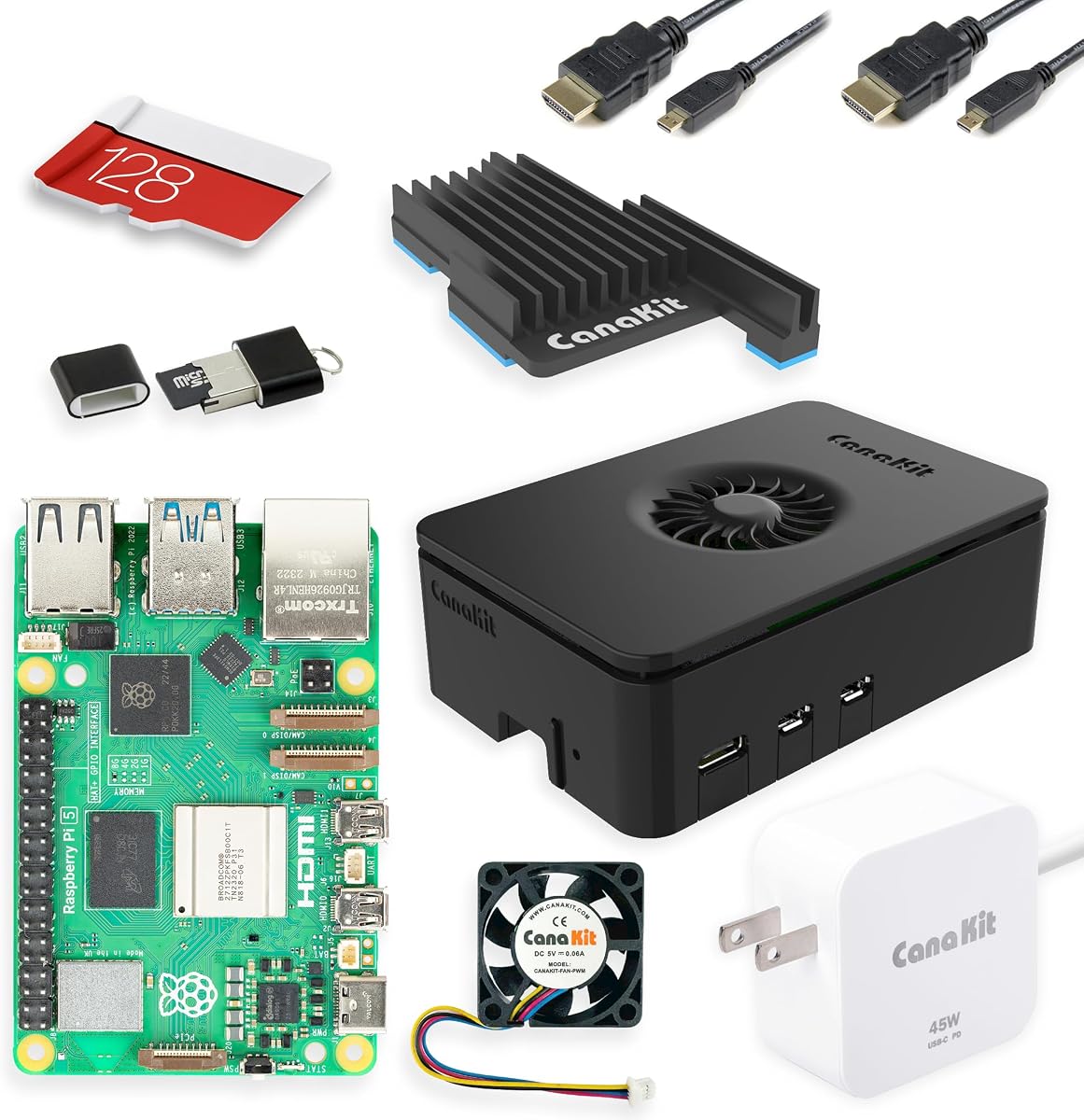
This is a foundational kit that provides a reliable Raspberry Pi 5 board with cooling. It is perfect for those who want a stable base to add their own AI components later. The high ratings come from consistent quality and robust hardware selection.
We may earn a commission when you buy through this link, at no additional cost to you.
The Turbine case offers excellent heat dissipation which is critical for sustained AI workloads. The included power supply meets official requirements ensuring stability for expansion devices. It serves as a neutral ground for custom AI projects.
The absence of specific AI sensors means you must buy add-ons separately. This makes it less ideal for beginners wanting instant AI results. However, it offers the flexibility to choose exactly which tools to integrate.
For hobbyists who already have a vision for their project, this is the best base to start. It ensures your system runs cool and stable even under load. The comprehensive nature of the bundle saves time on sourcing compatible parts.
The active cooling system keeps the CPU at optimal temperatures during heavy processing tasks.
With reliable power and cooling this setup is ready for various HATs and sensors.
We may earn a commission when you buy through this link, at no additional cost to you.
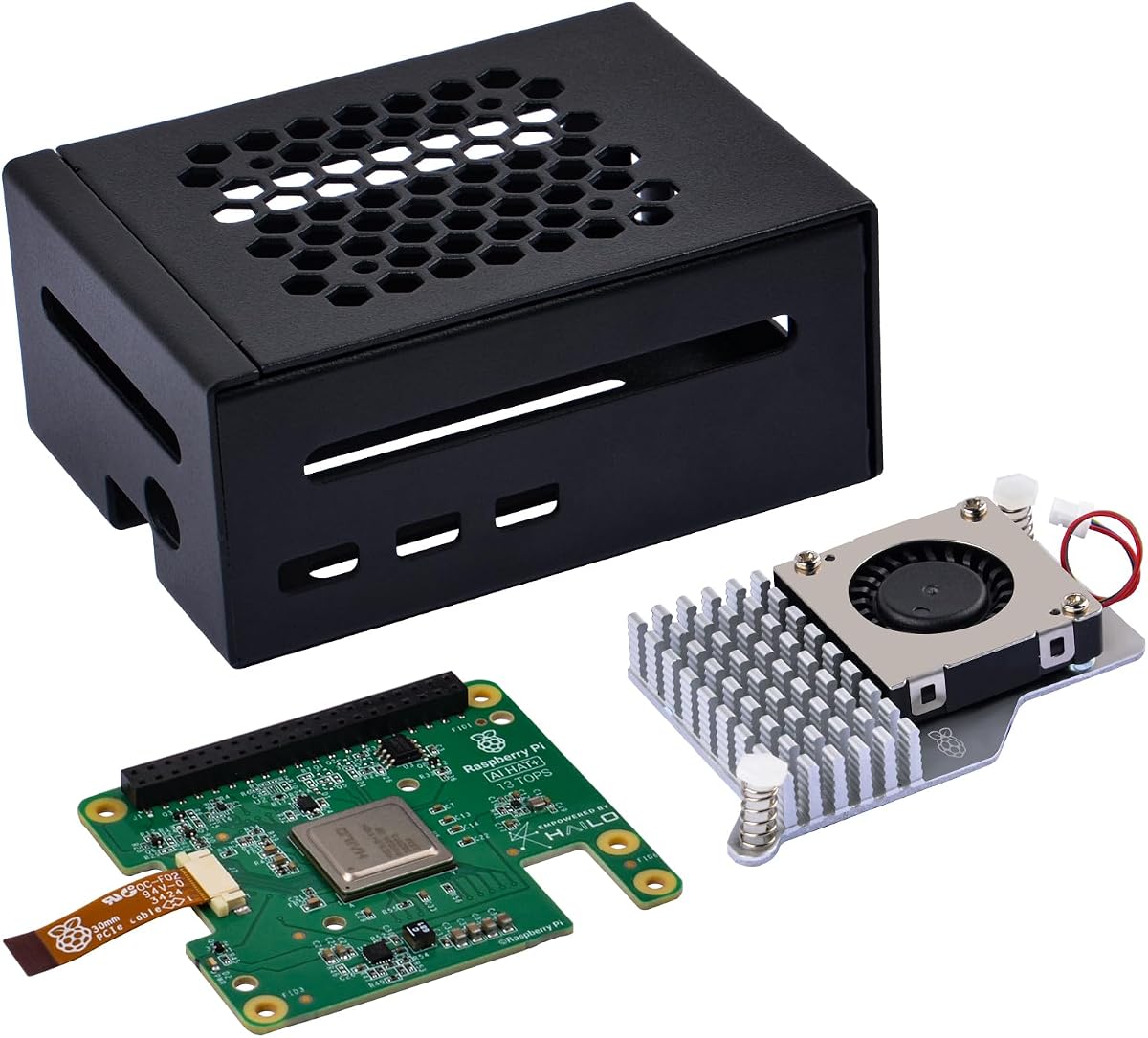
This kit focuses on providing a high-performance AI accelerator for the Raspberry Pi 5. It turns your Pi into a machine capable of handling complex neural networks efficiently. The metal case adds durability and helps with heat dissipation for the HAT.
We may earn a commission when you buy through this link, at no additional cost to you.
The system integrates seamlessly with the Raspberry Pi OS for camera and vision tasks. This means you can get started with object detection quickly. The active cooler ensures the board and accelerator do not throttle during use.
You will need to provide your own Raspberry Pi 5 board to use this kit. It is less of a full starter solution and more of an upgrade package. The value lies in the performance boost for specific computing tasks.
Ideal for users who already have a Pi and want to upgrade its AI capabilities. It is a solid choice for edge AI applications where speed and efficiency matter. The build quality matches the demands of professional development.
The Hailo accelerator enables real-time processing of images and video streams on the Pi.
The metal case protects the components from physical damage and improves heat management.
We may earn a commission when you buy through this link, at no additional cost to you.
This kit is built for professionals who need reliable official components for their projects. It includes the Pi 5 board with cooling and power specifically designed for it. The preloaded OS saves time and ensures you can start building immediately.
We may earn a commission when you buy through this link, at no additional cost to you.
The focus is on stability and performance making it great for Edge AI tasks. It works well with Docker and other containerized applications. Seeed Studio provides strong support and warranty which adds peace of mind for buyers.
It lacks specific AI sensors or accelerators so it requires additional purchases for full capabilities. This makes it a generic but powerful foundation. You will need to source your own hardware for specific vision tasks.
Choose this if you value official compatibility and robust support over bundled sensors. It is perfect for developers who need a standard workstation to build upon. The reliability of the components helps ensure consistent results.
Using official cases and power supplies ensures your system runs without power or heat issues.
Designed for advanced users running containers and complex software stacks on the Pi.
We may earn a commission when you buy through this link, at no additional cost to you.
This kit offers a fun entry point into robotics with integrated AI capabilities. It allows you to build a robot that can talk and see using ChatGPT-4o. The servos enable realistic movements that make the project engaging for users.
We may earn a commission when you buy through this link, at no additional cost to you.
The app control and FPV features allow for remote operation and visual feedback. Sensors for touch and sound enable interactive experiences. This creates a comprehensive robotic platform that responds to commands easily.
The Raspberry Pi Zero 2 W is a capable board but has memory limits for complex models. It works well for basic tasks but not heavy processing. The focus on robotics means less flexibility for general computer vision tasks.
It is a great gift for kids or hobbyists interested in building a friendly AI pet. The included documentation helps beginners navigate the assembly and coding. It brings the concept of AI robots to life in a playful way.
Voice commands and visual recognition make the robot feel responsive and intelligent.
The 12 servos allow for walking and shaking motions that mimic real animals.
We may earn a commission when you buy through this link, at no additional cost to you.
This station focuses on visual interaction and ease of use for learners. It includes a capacitive touchscreen that makes testing AI models intuitive. The built-in sensors mean you can focus on code rather than hardware connections.
We may earn a commission when you buy through this link, at no additional cost to you.
You get access to over 200 course resources to guide your learning. It supports multiple boards giving you flexibility in development. This makes it a versatile tool for both education and prototyping.
The main drawback is that the Raspberry Pi board is not included. You need to source it separately which adds to the cost. The rating reflects that some users find the build quality slightly less robust than others.
Ideal for educators or students who want a plug-and-play learning experience. The touchscreen adds a modern interface that appeals to younger learners. It is a strong option for those prioritizing interactive hardware features.
The display allows you to interact with your AI applications directly through touch.
The course library helps you progress from simple tasks to complex AI development.
We may earn a commission when you buy through this link, at no additional cost to you.
This comprehensive solution includes everything needed to start learning AI development. The 16GB RAM allows for running complex models locally without delays. It is designed to be a complete platform for education and experimentation.
We may earn a commission when you buy through this link, at no additional cost to you.
The included touchscreen and sensors make it easy to prototype ideas quickly. Users can test code for vision or voice without worrying about external wiring. This creates a streamlined environment for creative exploration.
The main downside is the cost which is higher than buying components separately. However, the convenience of having a pre-integrated system saves time. For those who value readiness and ease of use, this is worth the investment.
Perfect for institutions or individuals who need a powerful tool for teaching AI. It ensures everyone has the same reliable hardware for learning. The high capacity board supports future expansion and advanced projects.
All components work together seamlessly to provide a consistent learning experience.
The 16GB RAM allows you to run multiple applications simultaneously without slowing down.
We may earn a commission when you buy through this link, at no additional cost to you.
Selecting the right kit involves evaluating your project needs and technical comfort level. This guide outlines the key factors to consider before making a purchase.
The core of any AI kit is the processing power. Kits with dedicated accelerators like Hailo-8 can handle complex vision tasks faster than standard CPUs. Ensure the kit matches your performance requirements for real-time processing.
Look for kits that support neural network acceleration if you plan to run heavy models.
Sensors are crucial for interacting with the physical world. Some kits include cameras and touch sensors while others require you to add them separately. Evaluate if the included sensors cover your vision and interaction goals.
Choose a kit with onboard sensors if you want to avoid complex wiring setups.
RAM determines how many models you can run simultaneously. 8GB is often sufficient but 16GB offers better support for large language models. Check the board specifications before buying.
Prioritize higher RAM if you plan to run multiple AI services at once.
Quality content helps beginners learn faster. Kits with video courses and structured lessons provide a clear path to mastery. Documentation should be clear and regularly updated.
Look for kits that offer comprehensive tutorials for your specific skill level.
Software compatibility is essential for smooth development. Ensure the kit supports the latest Raspberry Pi OS and any specific libraries you need. Preloaded systems save time on initial configuration.
Choose kits that offer pre-configured SD cards to get started immediately.
Good connectivity allows you to attach peripherals easily. Check for USB ports HDMI outputs and Ethernet support. Wireless capabilities also matter for remote control of robots.
Verify that the ports available match your planned external devices.
An active user community can provide help when you get stuck. Look for kits with forums or active social media groups. Technical support from the vendor adds another layer of security.
Check for available forums or vendor support channels before purchasing.
Cost varies significantly between basic boards and complete stations. Determine how much you want to spend on hardware versus accessories. Sometimes buying separately saves money if you already have some tools.
Balance the upfront cost with the value provided by included components.
Always use the recommended power supply to avoid voltage drops that can damage the board. Connect peripherals carefully to prevent accidental short circuits during assembly.
Keep your system cool by ensuring the fans are clear of dust. Regular maintenance extends the life of your components and keeps performance stable.
Regularly update your operating system and software to benefit from security patches. Back up your SD card frequently to protect your code and project progress.
Many kits like the SunFounder Fusion Lab are designed specifically for beginners. They include video courses and sensors that simplify the learning curve. You do not need deep prior knowledge to start basic projects with them.
Yes but it depends on the memory capacity of the board. Kits with 16GB RAM can run smaller LLMs locally. For larger models you may need to rely on cloud APIs instead.
AI HATs add dedicated neural network accelerators to the Pi. This allows for faster and more efficient processing of computer vision tasks compared to standard CPUs.
Some kits include the board while others do not. Check the product details to see if the board is part of the bundle. If not you will need to purchase one separately.
Kits with built-in sensors and touchscreens are ideal for classrooms. They reduce the need for extensive wiring which is safer for students. Most also offer educational resources tailored to learning.
Yes many developers use these kits for prototyping commercial products. However production systems often require more robust hardware for reliability and longevity.
Python is the primary language supported across these kits. Some also support Node.js for IoT projects. Documentation usually focuses on Python but the hardware supports other languages.
We have covered a wide range of kits suitable for different needs and budgets. Whether you want a complete robot or a powerful computing station there is an option for you. Focus on what matters most for your specific project goals.
Prioritize hardware capabilities like memory and accelerators if performance is key. For learning purposes look for kits with strong educational resources. The best kit is the one that matches your current skill level.
Always check current availability and bundle details before making a purchase. Prices and contents can change over time so verify the specs on the vendor page. This ensures you get the exact components you need for your build.