
Dell Tower Desktop, Intel Core Ultra 7-265, 32GB RAM, Windows 11 Home
4.4Editor score
Intel Core Ultra 7 processor
32GB RAM for heavy multitasking
Daisy chaining for multiple displays
This guide compares the top desktop computers for home use in October 2026, evaluating performance, storage, connectivity, and value for families and profession
Choosing the right desktop computer for home use can be challenging given the wide variety of options available today. You need a machine that balances performance, storage, and reliability to handle everything from homework to entertainment seamlessly.
We have evaluated ten top-rated models based on processor power, memory capacity, storage speed, and overall connectivity options. Our analysis focuses on real-world usability for families, students, and remote workers seeking dependable computing solutions.
Each pick highlights specific strengths and potential trade-offs to help you make an informed decision. Please note that prices and availability change frequently, so verify current details before purchasing to ensure you get the best value.
4.4Editor score

4.5Editor score

4.0Editor score
The following table provides a side-by-side comparison of all ten desktop computers evaluated in this guide. It highlights key specifications and unique features to help you quickly identify the model that best fits your specific home computing needs.



The Dell Slim Desktop stands out as the top choice for home users seeking a balance of modern AI features and reliable performance. With a 4.5-star rating, it excels in daily tasks thanks to the Intel Core Ultra 5 processor and built-in AI capabilities.
We may earn a commission when you buy through this link, at no additional cost to you.
Its standout quality lies in the ability to support up to four FHD monitors, making it ideal for multitasking professionals or families sharing a workstation. The tool-less entry panel allows quick access for upgrades, ensuring the system remains adaptable over time.
While the 512GB SSD is fast, users needing extensive storage might find it limited compared to models offering terabyte drives. However, this trade-off is acceptable for those prioritizing speed and efficiency over massive local file archives.
Buy this if you want a sleek, sustainable desktop that grows with your needs. It is perfect for home offices requiring secure, efficient computing without compromising on style or future-upgradability.
The built-in AI accelerates tasks like video editing and data analysis, freeing up time for more creative work.
Hardware TPM security ensures your personal data stays protected from unauthorized access while you use the device.
We may earn a commission when you buy through this link, at no additional cost to you.
The Dell Tower Desktop delivers premium performance suited for power users who demand exceptional speed and multitasking capability. Rated 4.4 stars, it combines the Intel Core Ultra 7 with a generous 32GB of RAM to handle demanding workloads effortlessly.
We may earn a commission when you buy through this link, at no additional cost to you.
Its key strength is the capacity to run multiple applications simultaneously without lag, perfect for creative professionals or advanced home office setups. The tool-less entry panel ensures that any future upgrades remain simple and stress-free for the average user.
While the price is higher than standard models, the performance justifies the cost for those needing enterprise-level reliability at home. However, casual users might not fully utilize the 32GB RAM, making it less ideal for basic web browsing.
Purchase this for top-tier computing power that lasts for years. It is the best choice if you need a robust system for editing, programming, or heavy multitasking in a home environment.
The 32GB RAM allows seamless switching between virtual machines, browsers, and creative software without slowdowns.
Sleek modern construction and sustainable materials ensure the desktop looks great and functions well for years.
We may earn a commission when you buy through this link, at no additional cost to you.
The Dell Optiplex 3060 offers excellent value for budget-conscious buyers seeking reliable performance without breaking the bank. With a 4.0-star rating, it provides a solid foundation for home computing through its renewed status and robust hardware specifications.
We may earn a commission when you buy through this link, at no additional cost to you.
Its standout feature is the combination of 32GB RAM and a 1TB SSD, which is rare at this price point. This setup ensures smooth multitasking and plenty of space for media, documents, and applications without frequent storage worries.
Although the processor is older, it remains capable for everyday tasks like web browsing, email, and streaming. The trade-off is a lack of cutting-edge AI features found in newer models, but this does not significantly impact standard home usage.
Buy this if you need a reliable, fast PC on a tight budget. It is ideal for students or families needing a secondary machine that handles daily computing tasks efficiently.
Despite being renewed, the high RAM and SSD ensure performance that rivals much more expensive new desktops.
Windows 11 Professional adds advanced features useful for home businesses needing better security and management tools.
We may earn a commission when you buy through this link, at no additional cost to you.
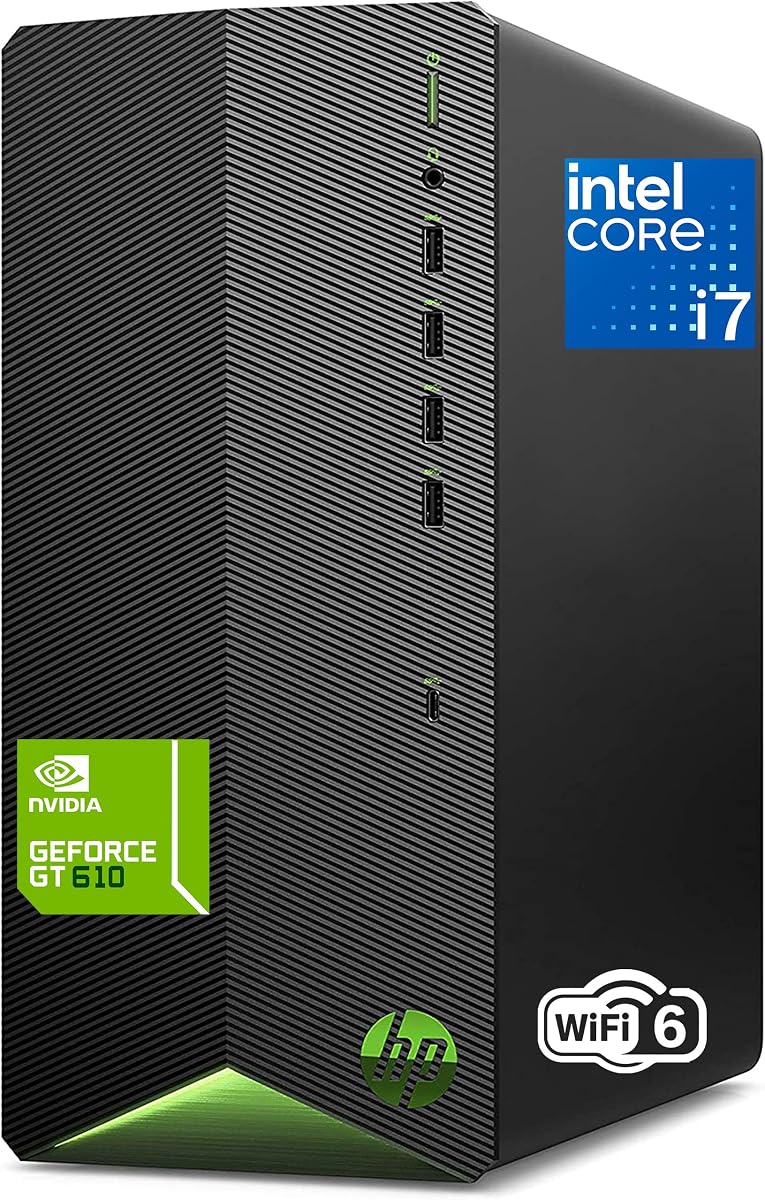
The HP 2026 Desktop Tower provides strong performance for professionals and students needing a capable machine for remote work and study. Rated 4.4 stars, it leverages an 8-Core processor to handle multiple applications without slowing down during video conferencing.
We may earn a commission when you buy through this link, at no additional cost to you.
Its strength lies in the complete package offering, which includes a keyboard and mouse for immediate setup. The 1TB SSD ensures fast boot times and ample storage for projects, making it a practical choice for busy households.
The graphics card is basic, limiting its use for gaming or heavy video editing. However, for productivity tasks like spreadsheets and presentations, it performs admirably without causing noticeable delays or frustration.
Purchase this for a complete workstation ready to use out of the box. It is best suited for students or home offices needing reliable performance without extra accessory costs.
Included peripherals mean you can start working immediately without needing to buy additional keyboards or mice.
WiFi 6 ensures stable and fast internet connections essential for smooth video calls and cloud-based collaboration.
We may earn a commission when you buy through this link, at no additional cost to you.
The HP Desktop Computer Tower PC is designed specifically to meet the diverse needs of a whole family. With a 4.5-star rating, it handles everything from homework to photo editing thanks to its reliable Core i5 processor and 16GB of RAM.
We may earn a commission when you buy through this link, at no additional cost to you.
Its key strength is the lightning-fast boot time provided by the SSD, ensuring quick access to files and applications. The compact microtower design fits easily on desks or entertainment centers, saving valuable space in smaller living rooms.
The 256GB storage might fill up quickly with large media libraries. However, this is acceptable for families relying on cloud storage, as the system remains responsive and handles daily tasks efficiently without slowdowns.
Buy this for a dependable family machine that is ready out of the box. It is perfect for households needing a secure and compact desktop for various daily activities.
Windows 11 Pro includes parental controls and enhanced security features ideal for managing kids computer access.
USB Type-C and multiple high-speed ports support all modern accessories from printers to external hard drives easily.
We may earn a commission when you buy through this link, at no additional cost to you.
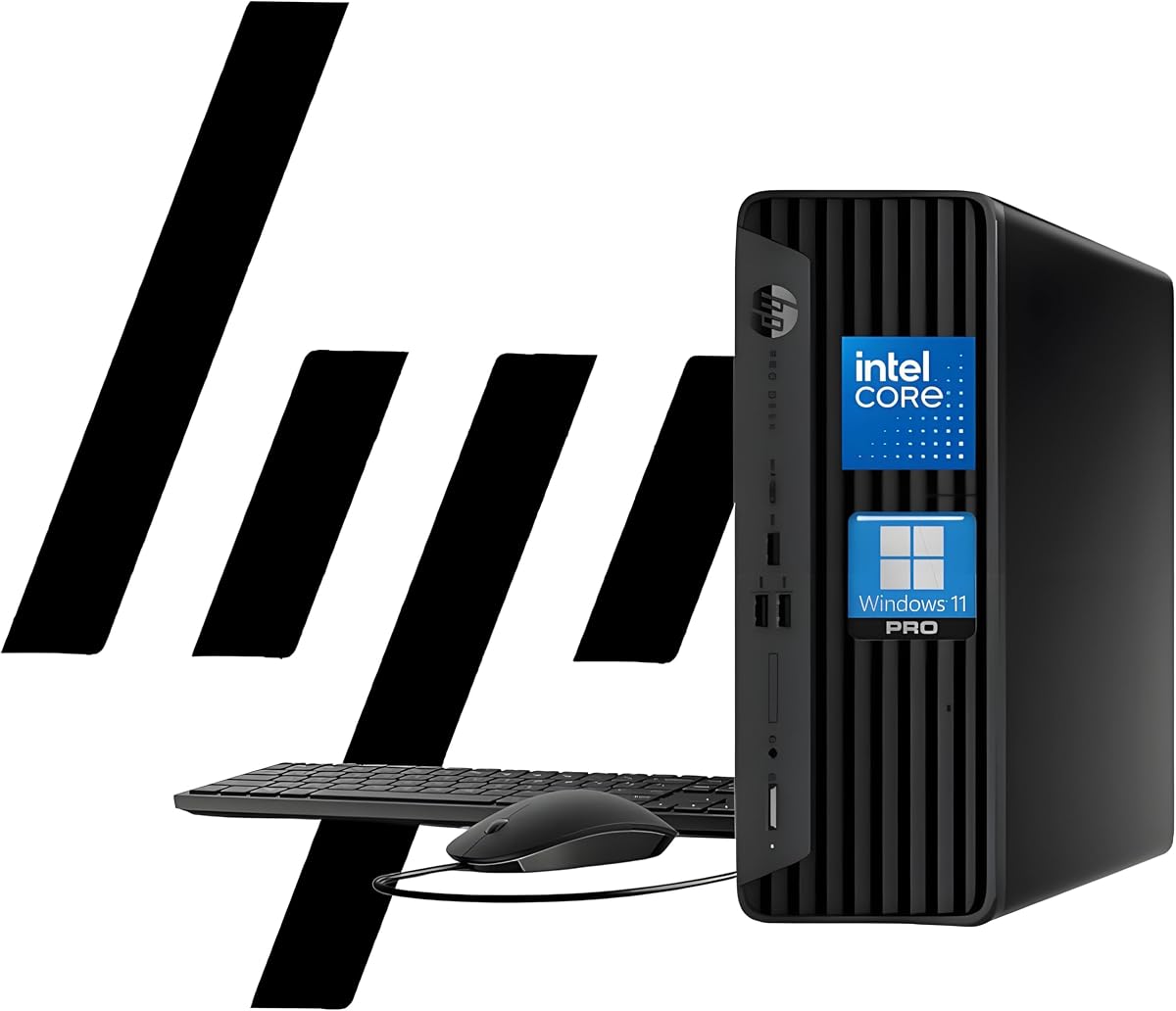
The HP ProDesk 400 G9 SFF offers a reliable business-grade experience suitable for home offices needing stability and speed. Rated 4.4 stars, it combines a compact design with robust specs like 32GB RAM and a 1TB SSD for efficient daily operations.
We may earn a commission when you buy through this link, at no additional cost to you.
Its standout quality is the dual 4K display support, allowing users to maximize screen real estate for productivity. The sleek design and enterprise-grade build quality ensure the system withstands daily use while remaining visually appealing in any room.
The processor is basic compared to high-performance models, which might limit heavy multitasking. However, this is acceptable for general business tasks where reliability and speed are more important than raw processing power for graphics.
Purchase this for a professional environment requiring consistent performance. It is ideal for home businesses needing a compact desktop with strong multitasking capabilities.
The small form factor weighs under 9 pounds and takes up minimal desk space while delivering powerful performance.
Windows 11 Pro with TPM 2.0 and HP Wolf Security protects sensitive business data effectively against threats.
We may earn a commission when you buy through this link, at no additional cost to you.
The Dell 2026 Edition Tower brings enterprise-level reliability to the home with its DDR5 RAM and fast NVMe SSD. With a 4.4-star rating, it excels at heavy business workloads thanks to the 14th Gen processor and Windows 11 Pro security.
We may earn a commission when you buy through this link, at no additional cost to you.
Its key strength is the 32GB DDR5 RAM, which eliminates lag during complex multi-application processing. The optimized thermal layout ensures the system stays cool and quiet even during long periods of continuous use or file transfers.
While the i3 processor is capable, it might struggle with extremely demanding video editing tasks. However, for data analysis and office automation, it offers ultra-responsive speed that keeps workflow smooth and efficient for professionals.
Buy this for a future-proof machine that handles business tasks with ease. It is best suited for home offices needing high memory capacity and stable performance for daily operations.
DDR5 RAM provides faster data throughput than previous generations, enhancing overall system responsiveness significantly.
Optimized thermal airflow prevents overheating, ensuring the desktop remains stable during intensive daily use.
We may earn a commission when you buy through this link, at no additional cost to you.
The HP 2026 Desktop Computer delivers powerful performance suitable for home office workers and small business owners. Rated 4.5 stars, it leverages a 6-core processor and 16GB RAM to handle inventory management and multitasking without delays.
We may earn a commission when you buy through this link, at no additional cost to you.
Its standout quality includes lifetime access to Office 365 on the web, making it ready for professional document creation immediately. The system supports video conferencing and collaboration tools seamlessly, ensuring smooth communication for remote teams.
Storage is limited to 512GB, which may require cloud storage for extensive media files. However, for document-based work, the setup is efficient and provides reliable performance for daily tasks without unnecessary complexity.
Purchase this for a streamlined business setup that is ready out of the box. It is perfect for small businesses needing consistent collaboration and productivity tools.
Pre-installed software and included peripherals mean you can start working right away without extra setup steps.
Multiple USB ports and WiFi 6 ensure all devices stay connected during busy workdays and video conferences.
We may earn a commission when you buy through this link, at no additional cost to you.
The Lenovo IdeaCentre Tower offers a responsive and reliable experience for everyday computing and office tasks. With a 4.6-star rating, it features a 10-core processor that handles multitasking and light productivity workloads efficiently and smoothly.
We may earn a commission when you buy through this link, at no additional cost to you.
Its strength is the modern DDR5 memory, ensuring faster data transfer rates compared to older models. The pre-installed Office 365 access and included keyboard and mouse make it ready for daily use immediately after setup.
The 512GB SSD is adequate for standard work, but heavy media users may need external storage. However, this is a fair trade-off for the speed and efficiency the system provides for daily household computing needs.
Buy this for a balanced PC that handles modern workloads with ease. It is ideal for users needing a responsive system for home office tasks and daily computing.
DDR5 RAM allows for smoother multitasking and faster application loading than previous generation memory technologies.
Wi-Fi 6E ensures fast and stable wireless connections ideal for streaming and online collaboration tools.
We may earn a commission when you buy through this link, at no additional cost to you.
The Dell Pro Tower Desktop PC stands out for its high rating and professional features suitable for secure business computing. With a 4.9-star rating, it ensures reliable multitasking for applications and video conferencing without system bottlenecks.
We may earn a commission when you buy through this link, at no additional cost to you.
Its key strength is the combination of DDR5 RAM and a fast SSD, which eliminates lag and keeps workflows efficient. The compact design fits comfortably in any workspace while offering security features like Kensington lock slots for safety.
While the processor is modest, it handles daily productivity tasks well. The trade-off is acceptable for users prioritizing stability and security over high-end graphics rendering capabilities for gaming or heavy video editing.
Purchase this for a secure and reliable solution for small businesses. It is perfect for professionals needing a compact desktop with professional-grade tools and connectivity.
Kensington lock slot and padlock loop ensure physical security for the device in open home office environments.
DDR5 RAM and PCIe SSD provide fast speeds that keep the system responsive even with multiple programs open.
We may earn a commission when you buy through this link, at no additional cost to you.
Selecting the right desktop requires evaluating several key factors to ensure the system meets your specific needs and budget requirements.
The processor is the brain of your computer and determines how fast it can handle tasks. For general home use, an Intel Core i5 or i7 provides a solid balance of speed and efficiency for multitasking.
Choose a processor with at least 4 cores to ensure smooth performance when running multiple applications simultaneously.
RAM affects how many programs you can run at once without slowdowns. For heavy multitasking, 16GB or more is recommended to keep your system responsive during work or study.
Higher RAM capacity ensures your computer remains efficient even when handling large files or running complex software.
SSDs provide faster boot times and file access compared to traditional hard drives. Look for at least 512GB of storage to accommodate your documents, photos, and applications.
Prioritize SSD storage over HDD for a noticeable boost in overall system speed and responsiveness.
Check the number and type of ports available to ensure your peripherals like printers and monitors can connect easily. USB-C and HDMI ports are essential for modern devices.
Adequate ports allow for flexible connections without needing extra hubs or adapters for your home setup.
Windows 11 Home is suitable for most users, but Pro versions offer enhanced security and management tools. Consider Pro if you need remote desktop access or advanced security.
The operating system should align with your security needs and the software you plan to run daily.
Desktops come in various sizes, from compact towers to sleek mini PCs. Ensure the dimensions fit your available desk or entertainment center space.
A smaller form factor saves space without sacrificing performance for typical home usage scenarios.
Some systems allow easy upgrades to RAM or storage, which can extend their lifespan. Look for tool-less panels if you plan to upgrade components later.
Choose a model that supports future upgrades to avoid buying a new desktop sooner than necessary.
A solid warranty provides peace of mind against hardware failures. Onsite service options are particularly valuable for home users who cannot visit service centers easily.
Check warranty terms carefully to ensure you have access to support when technical issues arise.
Place your desktop in a well-ventilated area to prevent overheating. Ensure there is enough space around the vents for proper airflow and avoid direct sunlight which can cause heat buildup.
Keep the system updated by installing the latest software and security patches regularly. This protects your data from vulnerabilities and ensures compatibility with new applications and services.
Regularly clean dust from the external surfaces and ports using a soft cloth or compressed air. Dust accumulation can restrict airflow and lead to performance issues over time.
For most home users, 16GB of RAM is the sweet spot for multitasking. It allows you to run browsers, office apps, and media players simultaneously without slowdowns. If you plan on heavy photo editing or virtualization, consider upgrading to 32GB.
Windows 11 is generally better due to its modern interface and security features. It offers better touch support and alignment with modern hardware capabilities. However, older hardware might run Windows 10 more smoothly if it lacks the required specs.
Not necessarily. Integrated graphics are sufficient for everyday tasks like browsing and streaming. Dedicated cards are only needed for gaming, 3D rendering, or heavy video editing. Most home use cases are fully covered by integrated solutions.
512GB is a good starting point for most users. It provides ample space for documents and media. If you store large video files or games locally, aim for 1TB or more to avoid constant management of files and cloud dependencies.
Yes, refurbished models from reputable sellers often come with warranties and rigorous testing. They provide cost savings while offering similar performance to new units. Ensure the seller offers a return policy to address any potential issues upon arrival.
Check if the case allows easy access to internal components. Look for models with tool-less designs that let you swap RAM or storage without screws. Also ensure the motherboard supports newer components if you plan to upgrade the processor.
Most desktop towers listed do not include monitors unless specified. Always check the product details before purchasing to avoid needing to buy a separate display. Many models are sold as towers only for flexibility in setup.
We have reviewed ten excellent options ranging from budget-friendly choices to premium business machines. The Dell Slim Desktop leads with its AI capabilities, while the Dell Tower offers top-tier power for demanding users.
Prioritize your specific needs such as RAM capacity and storage speed when making your choice. A model with strong multitasking features will serve your family better than one focused solely on raw processing power.
Remember to verify current pricing and availability before purchasing as deals change frequently. This ensures you secure the best value for your investment in a reliable home computing system.