
BenQ AH700ST
3.5Editor score
4000 ANSI Lumens Brightness
Short Throw Ratio 0.69
Laser Light Source Long Life
This guide compares the top Benq projector for golf simulator options based on brightness, resolution, throw distance, and compatibility to help you choose the
Finding the right display is crucial for an immersive indoor golf experience. You need a projector that handles fast motion without blur and delivers vibrant course colors.
We compared ten top models focusing on brightness, resolution, and throw ratios. Our analysis highlights which Benq projector for golf simulator setups fits your space and budget best.
Each pick includes detailed specs and real-world performance notes. Prices fluctuate often so verify current deals before buying to ensure you get the best value today.
3.5Editor score

4.4Editor score

5.0Editor score
The following table offers a side by side comparison of all ten models. We highlight key specifications to help you quickly identify which unit meets your specific simulation needs.
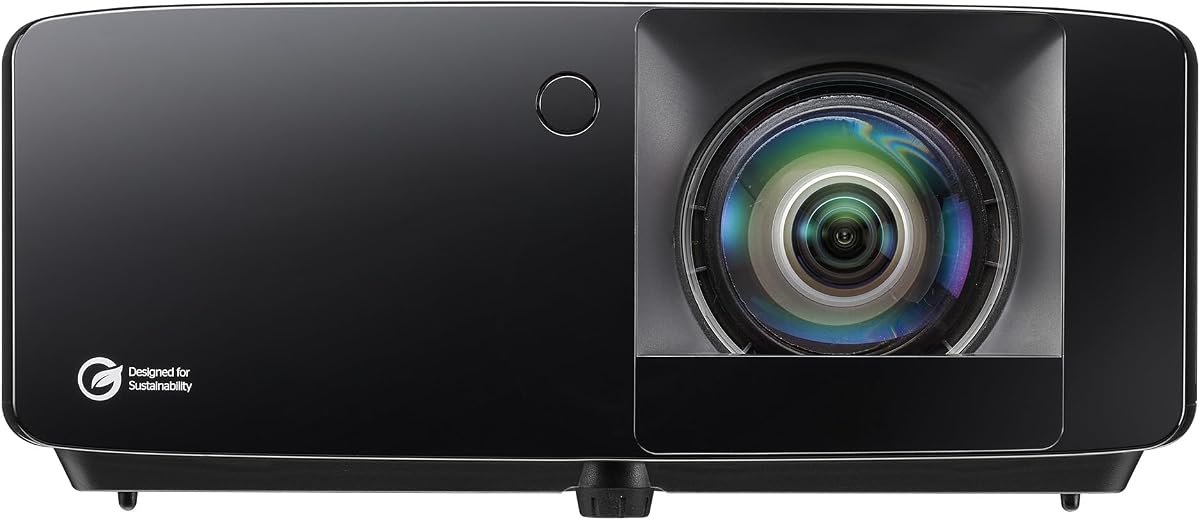
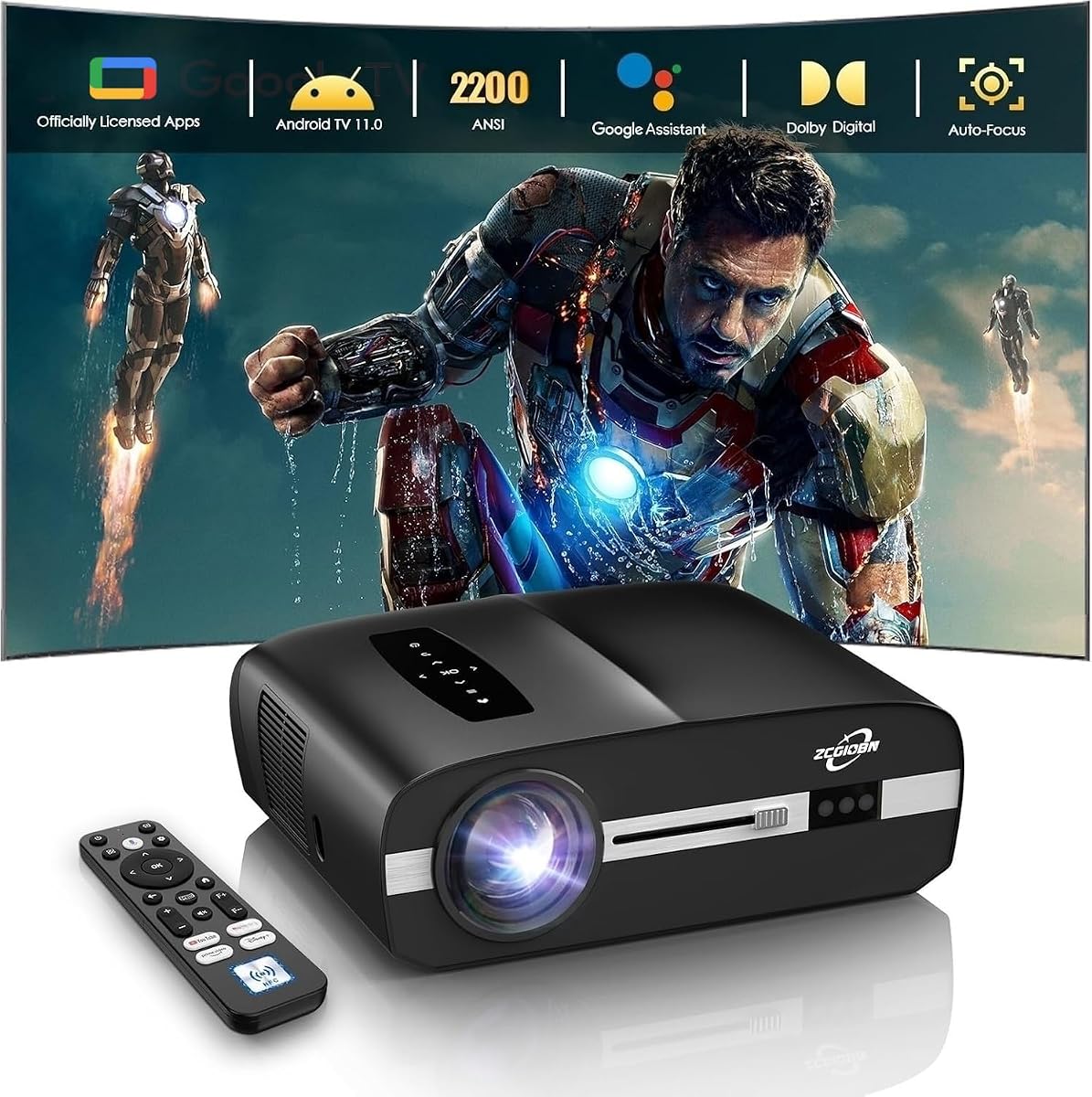


The BenQ AH700ST stands out as a top contender for indoor golf setups. With 4000 lumens and Full HD resolution, it delivers crisp visuals even in lit rooms.
We may earn a commission when you buy through this link, at no additional cost to you.
Its short throw design minimizes shadows during swings. The dedicated golf mode enhances greens and fairways for a more authentic feel.
While expensive, the laser source ensures minimal maintenance. It is a reliable choice for serious enthusiasts prioritizing image quality.
If you need brightness and precision, this model is highly recommended. Check current availability before purchasing to secure the best deal.
The 4000 lumens output ensures visibility even with lights on.
The short throw ratio allows flexible placement in smaller rooms.
We may earn a commission when you buy through this link, at no additional cost to you.
The BenQ TH671ST is excellent for fast-paced gaming. Its low input lag ensures smooth motion during gameplay without noticeable delays.
We may earn a commission when you buy through this link, at no additional cost to you.
With 3000 lumens, it provides clear images for simulations. The short throw design projects large screens from short distances.
Though it uses a traditional lamp, it remains a great value. Ideal for those balancing gaming and simulation needs.
This projector is a solid entry point for enthusiasts. Verify stock levels before ordering to avoid delays.
Ultra fast response times keep gameplay smooth and responsive.
Short throw lens allows for large screens in tight spaces.
We may earn a commission when you buy through this link, at no additional cost to you.
The Optoma GT3900UHD offers stunning 4K visuals. Its high brightness ensures vibrant details in any lighting condition.
We may earn a commission when you buy through this link, at no additional cost to you.
Designed for golf, it reduces shadows effectively. The laser source provides reliability over long periods.
While costly, the image quality is unmatched. It is perfect for high-end home theater setups.
Invest in this for the best resolution. Check for discounts to save on the purchase.
True 4K resolution delivers razor sharp image details.
Specialized design helps minimize player shadows effectively.
We may earn a commission when you buy through this link, at no additional cost to you.
This projector brings 4K to a lower budget. With Google TV built in, streaming is seamless without extra devices.
We may earn a commission when you buy through this link, at no additional cost to you.
Its sealed engine protects against dust. Good for garages or basements where conditions vary.
However, brightness is lower than laser models. Ideal for darker rooms or evening use.
A great choice for budget conscious buyers. Verify dimensions before installation to ensure fit.
Built in Google TV allows direct app access easily.
Sealed engine keeps dust out for better longevity.
We may earn a commission when you buy through this link, at no additional cost to you.
The BenQ TH575i offers bright visuals and streaming. The included Google TV dongle makes it easy to access content.
We may earn a commission when you buy through this link, at no additional cost to you.
Its low input lag supports gaming. Great for users who need quick response times.
While functional, it lacks advanced color tuning. Best for general entertainment and casual gaming.
Consider this for a simple setup. Ensure your space matches the brightness needs.
Included dongle provides immediate access to streaming apps.
Low lag ensures smooth gameplay without delay.
We may earn a commission when you buy through this link, at no additional cost to you.
The BenQ LU935ST delivers professional grade performance. Its high brightness makes it suitable for well lit environments.
We may earn a commission when you buy through this link, at no additional cost to you.
WUXGA resolution ensures clear text. The laser source guarantees consistent output over time.
While heavy, it is reliable for heavy use. Ideal for commercial settings or dedicated studios.
Choose this for maximum brightness. Check weight before installation to ensure mount capacity.
High brightness supports use in bright conference rooms.
Laser source offers long consistent performance without lamps.
We may earn a commission when you buy through this link, at no additional cost to you.
The BenQ LK936ST is a top tier option. Native 4K resolution provides stunning clarity for simulations.
We may earn a commission when you buy through this link, at no additional cost to you.
Its high brightness ensures visibility in daylight. The short throw design helps avoid player shadows.
Ideal for those seeking the ultimate setup. While costly, it offers unmatched image quality.
Invest in this for premium performance. Verify space requirements before purchase to confirm fit.
Native 4K offers superior detail for golf simulators.
High brightness supports use in brightly lit spaces.
We may earn a commission when you buy through this link, at no additional cost to you.
The BenQ W4100i focuses on home theater quality. HDR support and LED technology provide rich color volume.
We may earn a commission when you buy through this link, at no additional cost to you.
Android TV integration offers seamless streaming. The lens shift adds flexibility for installation.
Bright for most, but not top tier. Perfect for dark rooms or evenings.
Select this for visual fidelity. Check brightness needs before finalizing the purchase.
LED technology ensures vibrant accurate color reproduction.
Android TV allows direct app access without dongle.
We may earn a commission when you buy through this link, at no additional cost to you.
The ViewSonic LS740W offers extreme brightness. It features a dedicated golf mode for optimized greens.
We may earn a commission when you buy through this link, at no additional cost to you.
Laser technology ensures long-term stability. Great for bright or commercial simulation setups.
WXGA resolution may not suit all. Ideal if brightness is the top priority.
A strong choice for light control. Verify resolution needs before buying.
Specialized golf mode boosts colors for realism.
5500 lumens ensure visibility in any room.
We may earn a commission when you buy through this link, at no additional cost to you.
The GoSports Cover protects your projector. It allows floor mounting to avoid complex ceiling setups.
We may earn a commission when you buy through this link, at no additional cost to you.
Ventilation prevents overheating. The material resists damage from mishits.
Essential for safety and longevity. Ensure dimensions match your unit.
A necessary accessory for sim setups. Confirm size compatibility before ordering.
Protects projector from hits during active play.
Floor mount design simplifies setup process.
We may earn a commission when you buy through this link, at no additional cost to you.
Selecting the right projector requires balancing brightness, resolution, and throw distance to suit your room layout and budget constraints.
Brightness measured in lumens determines visibility. For golf simulators, aim for 3000+ lumens to handle ambient light.
Higher brightness ensures clear images during day use.
Resolution impacts detail quality. 1080p is standard, but 4K provides sharper course textures.
Choose higher resolution for more realistic graphics.
Throw distance affects placement. Short throw projectors reduce shadows from players.
Opt for short throw if room space is limited.
Input lag affects response time. Low lag is vital for real-time swing feedback.
Select models with under 20ms lag for best performance.
Light sources vary between lamp, LED, and laser. Lasers offer longevity and lower maintenance.
Laser is recommended for long-term reliability.
Connectivity options ensure compatibility. Look for HDMI ports and USB support for PCs.
Verify ports match your simulator PC requirements.
Durability is key for high-impact zones. Use covers or wall mounting to protect from hits.
Protective enclosures add essential safety.
Smart features like Google TV add convenience. Built-in apps reduce need for external streaming devices.
Smart OS simplifies overall system integration.
First, position the projector to avoid shadows. Place it high or use a short throw model to prevent blockage.
Second, keep the lens clean. Use a soft cloth to wipe dust regularly for consistent image quality.
Third, ensure proper ventilation. Do not cover vents to prevent overheating during long sessions.
Yes, many Benq projectors are suitable for golf simulators. Look for models with low input lag and high brightness for best results. Ensure compatibility with your simulator software.
Aim for at least 3000 lumens to ensure clear images in lit rooms. Higher brightness helps reduce glare and shadows during swings. This ensures a more immersive experience.
Short throw projectors are highly recommended to minimize shadows from players. They allow large screens from short distances. This improves safety and immersion.
Use protective covers or place the projector high out of swing zone. Covers like GoSports protect from direct hits. Always secure mounting hardware.
Under 20ms input lag is ideal for real-time feedback. Higher lag can disrupt swing timing. Check specs carefully before purchase.
Yes, using a floor mount cover allows placement on the ground. This avoids ceiling drilling. Ensure ventilation is not blocked.
We reviewed ten models including the BenQ AH700ST and TH671ST as top picks. Each offers unique benefits for different room setups and budgets.
Prioritize brightness and throw ratio to suit your space. High lumens and short throw ensure immersive and shadow-free sessions.
Always check current prices and stock before buying. Deals change often so act fast to secure the best value.