
BENFEI USB C Hub 5-in-1
4.6Editor score
100W pass-through charging
Soft silicone cable design
Three USB A ports
This guide compares the top HDMI hub for PC options including docking stations and switches for expanded video connectivity and multi monitor setups.
Connecting multiple displays to your computer often requires more ports than your laptop provides. An HDMI hub for PC solves this by expanding connectivity options efficiently and reliably for work or gaming setups.
We evaluated ten top rated products based on video quality, port variety, charging speed, and build durability. Our analysis covers USB C hubs, HDMI switches, and adapters for different operating systems and use cases.
Each pick highlights key strengths and trade-offs so you can choose the right hub for your needs. Product availability and pricing change frequently so verify current details before purchasing.
4.6Editor score

4.5Editor score

4.4Editor score
The following table summarizes core specifications for each product to help you compare video capabilities, power delivery, and port configurations side by side.





This Anker docking station delivers reliable dual monitor support with 4K HDMI outputs ideal for productivity workflows. Its 100W power delivery pass-through keeps your laptop charged while connected to peripherals.
We may earn a commission when you buy through this link, at no additional cost to you.
The inclusion of an Ethernet port adds stable wired networking options when Wi-Fi is unreliable. A microSD and SD card reader expands storage access for photographers and content creators using USB C laptops.
While it offers extensive connectivity, Linux users should note incompatibility due to driver limitations. Dual 4K displays at 30Hz may not suit high refresh rate gaming but work well for office tasks.
This hub is recommended for professionals needing a complete desk setup with minimal cabling. Its solid build and versatile ports justify the investment for daily work environments.
Connect two external monitors to extend your workspace and reduce window switching during multitasking.
The 100W PD port ensures your laptop stays powered during extended work sessions without extra adapters.
We may earn a commission when you buy through this link, at no additional cost to you.
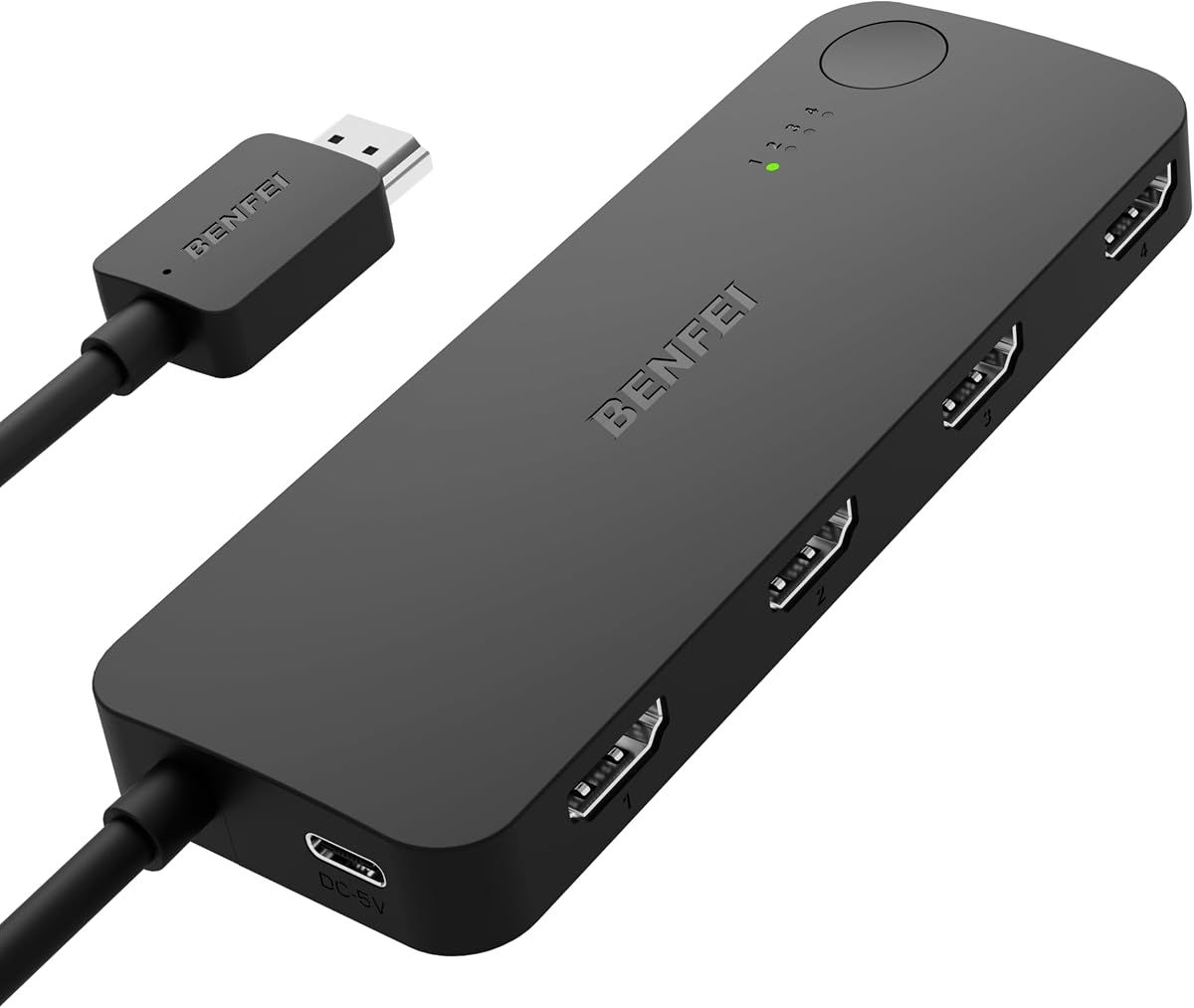
This BENFEI hub offers essential connectivity at a budget friendly price without sacrificing core features. Its silicone cable resists tangling and withstands frequent plugging cycles better than plastic alternatives.
We may earn a commission when you buy through this link, at no additional cost to you.
The three USB A ports allow multiple peripherals like keyboards and mice to connect simultaneously. A 100W PD pass-through keeps laptops powered even when running several devices on the hub.
Video output maxes out at 4K 30Hz which is sufficient for document work but not smooth video editing. The short cable improves portability but may limit positioning flexibility on large desks.
Ideal for students and remote workers needing a compact expansion solution. The low cost and reliable performance make it a smart choice for casual use.
The silicone cable stays soft and flexible preventing knots during daily travel and storage.
Get reliable HDMI and USB expansion without spending premium prices on branded alternatives.
We may earn a commission when you buy through this link, at no additional cost to you.
This adapter delivers high performance dual monitor support with both ports capable of 4K 60Hz refresh rates. It requires a DP 1.4 source but enables smooth visuals for creative work and gaming.
We may earn a commission when you buy through this link, at no additional cost to you.
The MST hub supports extended mode on Windows allowing distinct content on each screen. Windows is compact and dissipates heat efficiently during long sessions of continuous output.
It lacks USB data ports so it serves only as a video expansion tool. Users with older DisplayPort versions may face compatibility issues or limited resolution options.
Recommended for users with discrete graphics cards seeking multi display setups without docking stations. The premium build and video performance justify the cost for power users.
Both HDMI ports support 4K at 60Hz enabling fluid motion for professional workflows and entertainment.
Aluminum housing ensures stable performance even during extended usage without thermal throttling.
We may earn a commission when you buy through this link, at no additional cost to you.
This hub provides a balanced mix of high speed data and 4K 60Hz video capabilities in a compact form. It supports 100W charging pass-through ensuring laptops remain powered during use.
We may earn a commission when you buy through this link, at no additional cost to you.
The two USB A 3.0 ports and USB-C data port deliver fast file transfers for external drives. Dual SD and TF card slots offer direct access to camera media without additional readers.
The USB-C port does not support video output limiting display options to the HDMI port. Users must connect an external power source to utilize full charging rates effectively.
Best suited for professionals who prioritize fast data access alongside crisp video output. Its slim profile makes it practical for on-the-go work setups.
Transfer large files quickly using the dedicated 5Gbps USB data ports included on the hub.
Access camera files directly via SD and TF slots without carrying separate card readers.
We may earn a commission when you buy through this link, at no additional cost to you.
This switch simplifies connecting multiple gaming consoles or streaming devices to a single display. Its 4K 60Hz support ensures next-gen consoles perform without resolution limitations.
We may earn a commission when you buy through this link, at no additional cost to you.
Adaptive equalization maintains signal stability over longer HDMI runs up to 30ft. The fixed pigtail cable simplifies installation and avoids loose connections at the monitor end.
It requires a USB power cable for operation and lacks remote control functionality. Switching between inputs demands physical button presses instead of automatic detection.
Ideal for home theaters with multiple devices needing quick manual access. The cost effective design suits users who prioritize functionality over automation.
Connect a PS5 Xbox and other devices easily without constant cable reconfiguration.
Adaptive equalization ensures consistent video quality even with longer HDMI cable lengths.
We may earn a commission when you buy through this link, at no additional cost to you.
This compact hub offers essential connectivity for travelers needing reliable HDMI output and charging. Its small size fits easily into laptop bags without adding bulk to your travel load.
We may earn a commission when you buy through this link, at no additional cost to you.
Two USB A 3.0 ports allow connection to drives and mice while the USB-C port handles data. Pass-through charging up to 85W keeps devices powered during presentations or work sessions.
The USB-C port does not support video limiting dual screen setups. Refresh rates capped at 30Hz work well for office use but not for high frame rate content.
Recommended for business users who travel frequently and need dependable port expansion. Its reliability and warranty coverage provide peace of mind for professional use.
The slim lightweight design ensures it fits in any laptop sleeve for easy transport.
Connect to projectors and maintain laptop power simultaneously during important meetings.
We may earn a commission when you buy through this link, at no additional cost to you.
This switch offers a straightforward solution for connecting three HDMI sources to a single display. An included cable simplifies setup by reducing the need for extra purchases immediately.
We may earn a commission when you buy through this link, at no additional cost to you.
It supports 4K 60Hz for sharp video quality on modern TVs and monitors. Gold-plated connectors enhance signal stability and resist corrosion over time.
An external power adapter is required for consistent performance. Auto-switching is unavailable so users must manually select input sources for changes.
Best for simple home setups with limited device counts. The included accessories make it a convenient ready-to-use option for basic needs.
The included cable reduces initial setup time by providing necessary connectivity from day one.
Corrosion-resistant connectors ensure long-term reliable performance without signal degradation.
We may earn a commission when you buy through this link, at no additional cost to you.
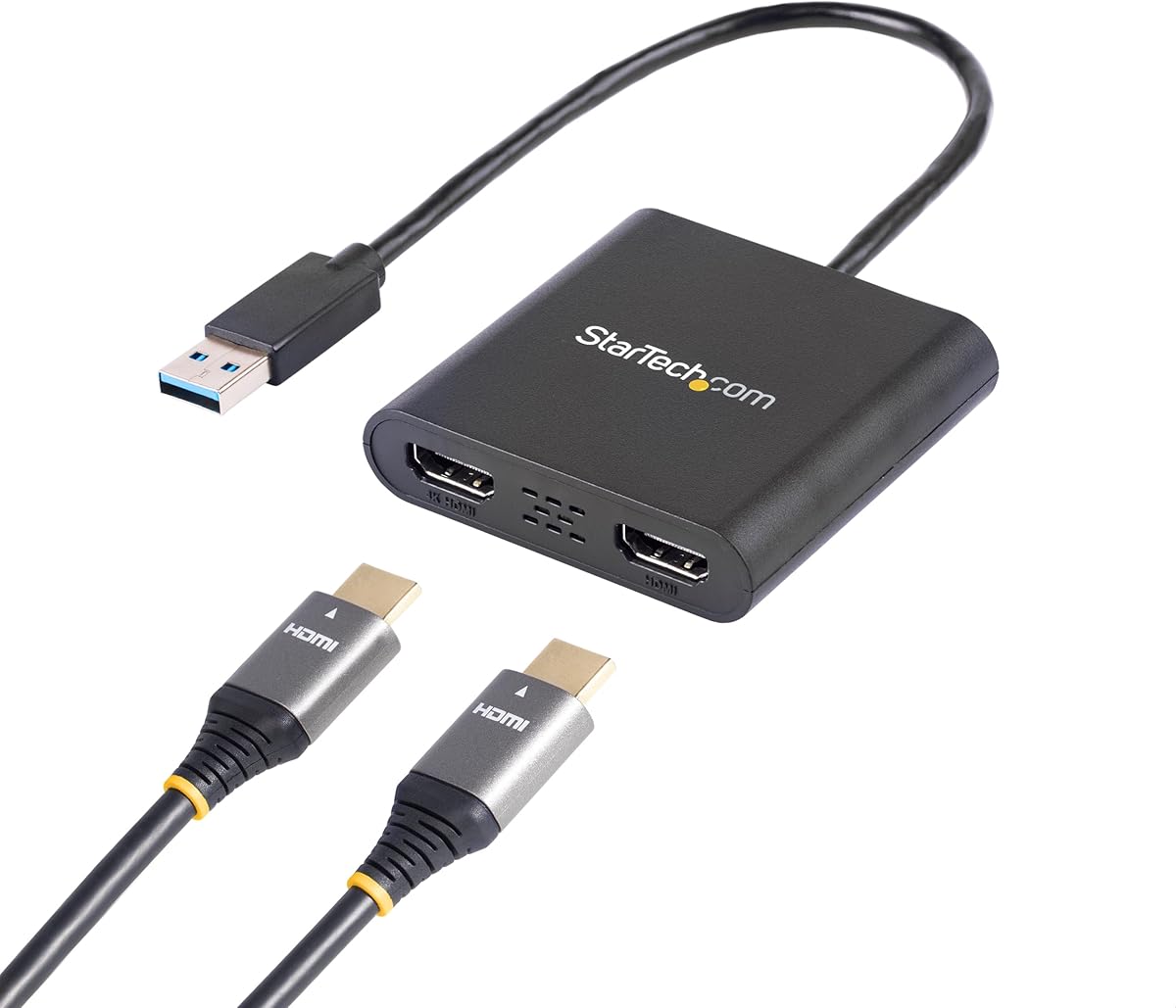
This adapter enables dual monitor setups on Windows laptops without native HDMI outputs. It uses USB 3.0 power to drive video signals efficiently for workstation environments.
We may earn a commission when you buy through this link, at no additional cost to you.
One port supports 4K 30Hz while the other handles 1080p 60Hz allowing mixed resolution configurations. The build quality is designed for IT professionals needing reliable long-term performance.
macOS and Linux users cannot utilize this adapter due to software limitations. Driver installation is necessary before use requiring administrative privileges on some systems.
Recommended for Windows-based workstations needing additional display capabilities. Its warranty and support structure cater well to enterprise IT needs.
Add multiple displays to any Windows PC via a standard USB 3.0 port.
Access dedicated technical assistance for installation and configuration assistance.
We may earn a commission when you buy through this link, at no additional cost to you.
This hub expands legacy USB A ports to support HDMI displays and multiple peripherals. It is ideal for older desktops that lack USB C video outputs but need modern connectivity.
We may earn a commission when you buy through this link, at no additional cost to you.
Driver software included on a removable disk ensures compatibility with Mac and Windows systems. Multiple USB 2.0 and 3.0 ports provide ample connectivity for mice keyboards and drives.
Video output is limited to 1080P which may not suit 4K displays. Driver installation adds a step to setup that plug-and-play hubs avoid.
Best for budget-conscious users with older hardware needing display expansion. The wide OS support makes it a flexible choice for mixed environments.
Breathe new life into older PCs lacking USB C video capability through USB A ports.
Connect multiple USB peripherals simultaneously alongside your HDMI display setup.
We may earn a commission when you buy through this link, at no additional cost to you.
This hub features an aluminum build that enhances durability and heat dissipation during use. It provides a wide range of ports ideal for laptops with minimal connectivity options.
We may earn a commission when you buy through this link, at no additional cost to you.
Two USB A 3.1 ports and a USB-C port handle fast data transfers. SD and microSD slots offer convenient access to camera media for content creators on the go.
HDMI output supports up to 4K 30Hz which is suitable for standard video content but not high frame rate displays. USB-C port supports data but no video output.
Recommended for general users needing a balanced set of ports and sturdy build quality. The wide OS compatibility ensures it works with most modern laptops.
Aluminum housing ensures long-lasting use and effective thermal management.
Direct card slots allow quick photo transfers without extra adapters or cables.
We may earn a commission when you buy through this link, at no additional cost to you.
Selecting the right HDMI hub requires understanding your specific display and port needs to ensure compatibility and performance.
Check if the hub supports 4K at 60Hz or 30Hz based on your monitor's capabilities. Higher refresh rates are essential for smooth gaming and professional video work.
Choose a hub with HDMI 2.0 or higher for 4K 60Hz compatibility.
Ensure the hub supports sufficient pass-through charging wattage to power your laptop. 100W PD is recommended for most modern ultrabooks.
A hub with PD input ensures your laptop stays charged while using all ports.
Count the number of USB A and USB C ports you need for peripherals. USB 3.0 or 3.1 is preferred for fast data transfer.
Verify data-only ports do not conflict with your display requirements.
Confirm the hub works with your OS especially if using Linux or Mac. Some adapters require specific drivers for dual displays.
Prioritize hubs labeled as compatible with your specific operating system.
Aluminum housings dissipate heat better and resist physical damage during travel. Cable quality also impacts longevity and port stability.
Invest in hubs with reinforced connectors and durable cables.
Balance cost against feature richness and warranty duration. Longer warranties provide protection against hardware defects.
Read return policies to ensure satisfaction with the product.
Connect your laptop to the hub using the USB C or USB A port. Insert the HDMI cable into the hub and connect the other end to your display.
If the hub requires external power, plug it into a USB source or power adapter to ensure stable performance.
Avoid bending cables sharply and unplug devices by gripping the connector to maintain longevity of the ports.
Yes many hubs offer multiple HDMI ports to connect two or more displays. Ensure your laptop supports multi-monitor output through USB C DP Alt Mode for extended screens.
Most plug-and-play hubs do not need drivers for basic use. However adapters enabling dual displays on some systems may require specific software installation.
Yes hubs with PD support charge your laptop while connected. Ensure the hub supports enough wattage to power your device under load.
Yes lower bandwidth hubs may limit 4K output to 30Hz. Choose HDMI 2.0 hubs for 60Hz refresh rates if supported.
Yes many hubs support macOS but verify OS compatibility. Some features like extended displays may differ between Windows and Mac.
Check your laptop's manual for DP Alt Mode or Thunderbolt support. These features indicate your USB C port can output video.
The Anker Dual Monitor Docking Station leads our list for its robust feature set and reliability. Budget-conscious buyers will appreciate the BENFEI 5-in-1 hub value and build.
Prioritize power delivery and refresh rate support when selecting a hub to match your specific workflow demands. These factors ensure smooth performance across multiple tasks.
Verify current stock and pricing before purchasing to secure the best deal. Product details may change so always check specifications on retailer pages.